


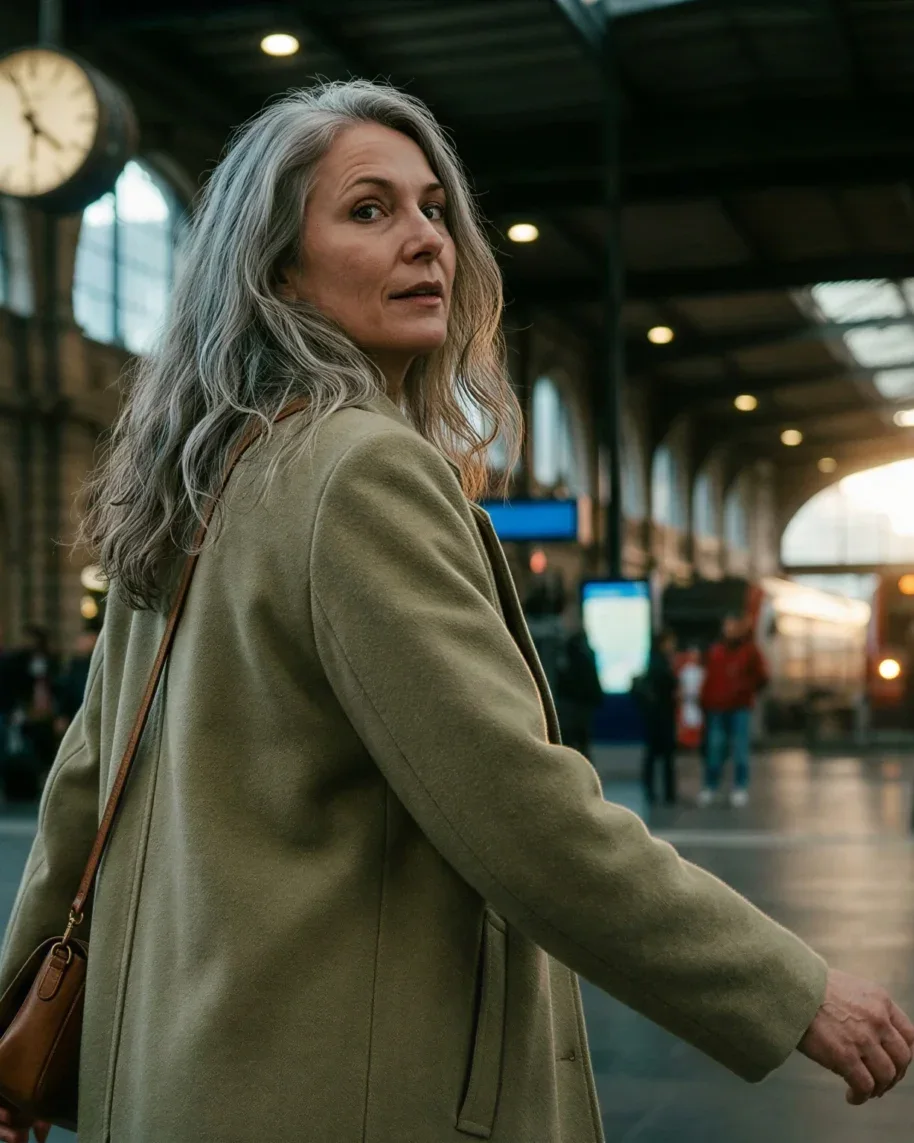
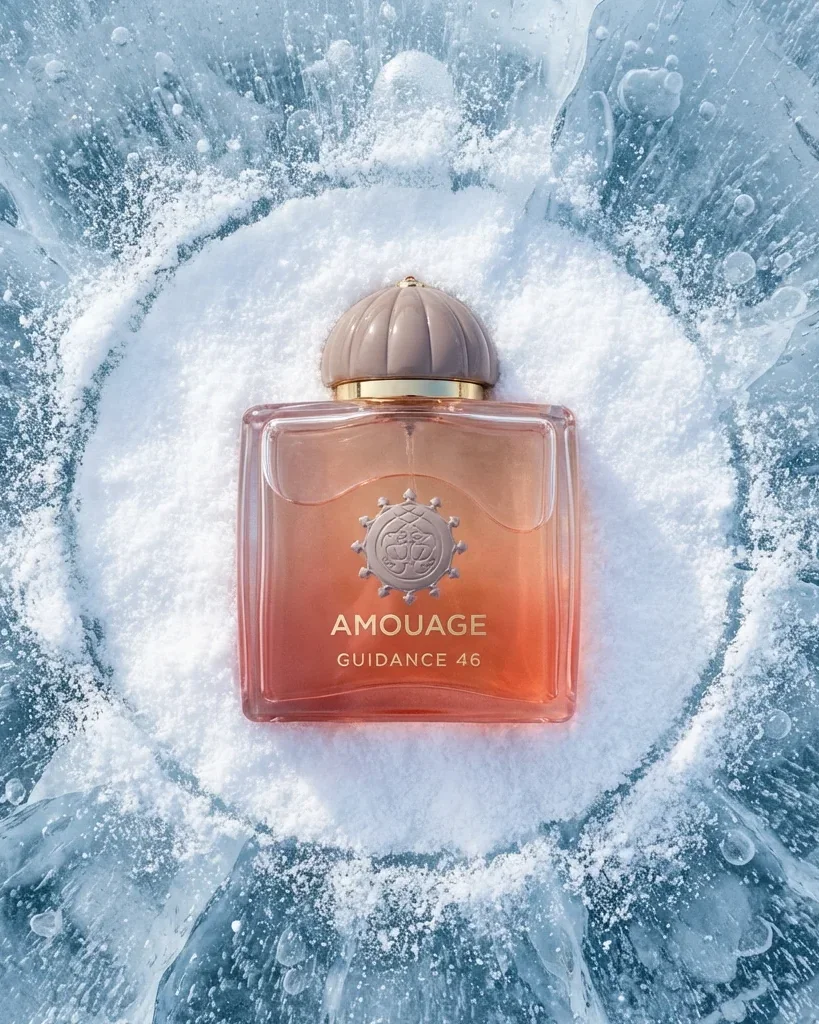
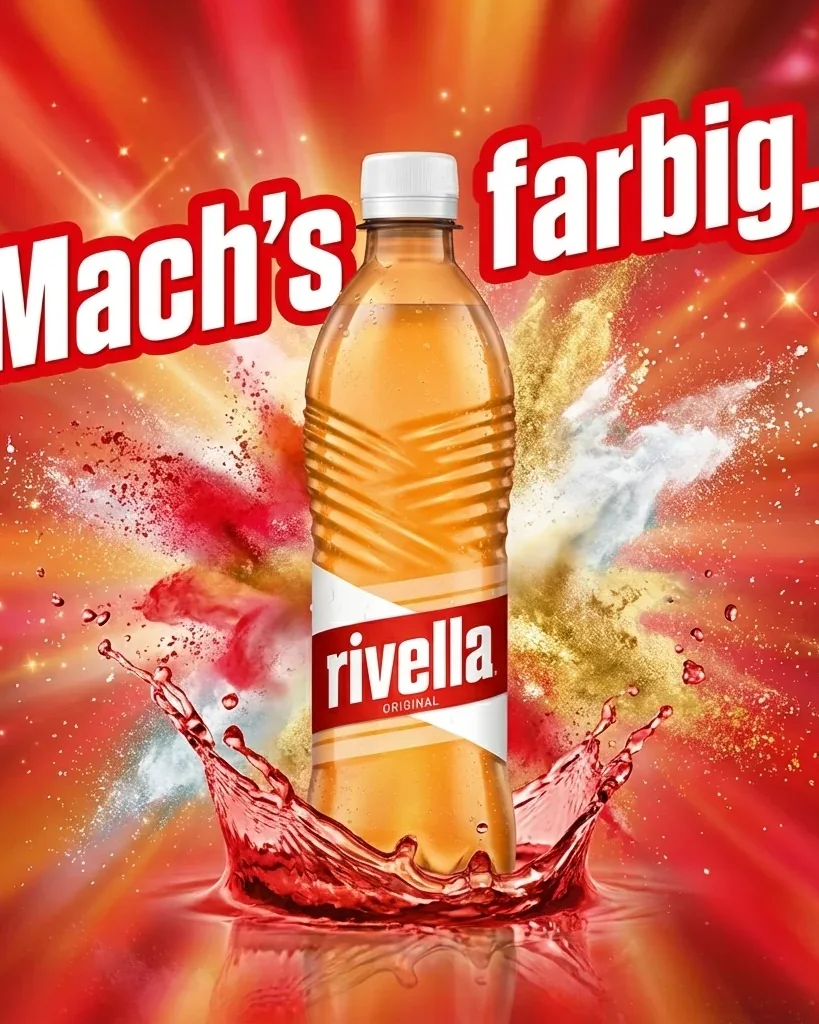
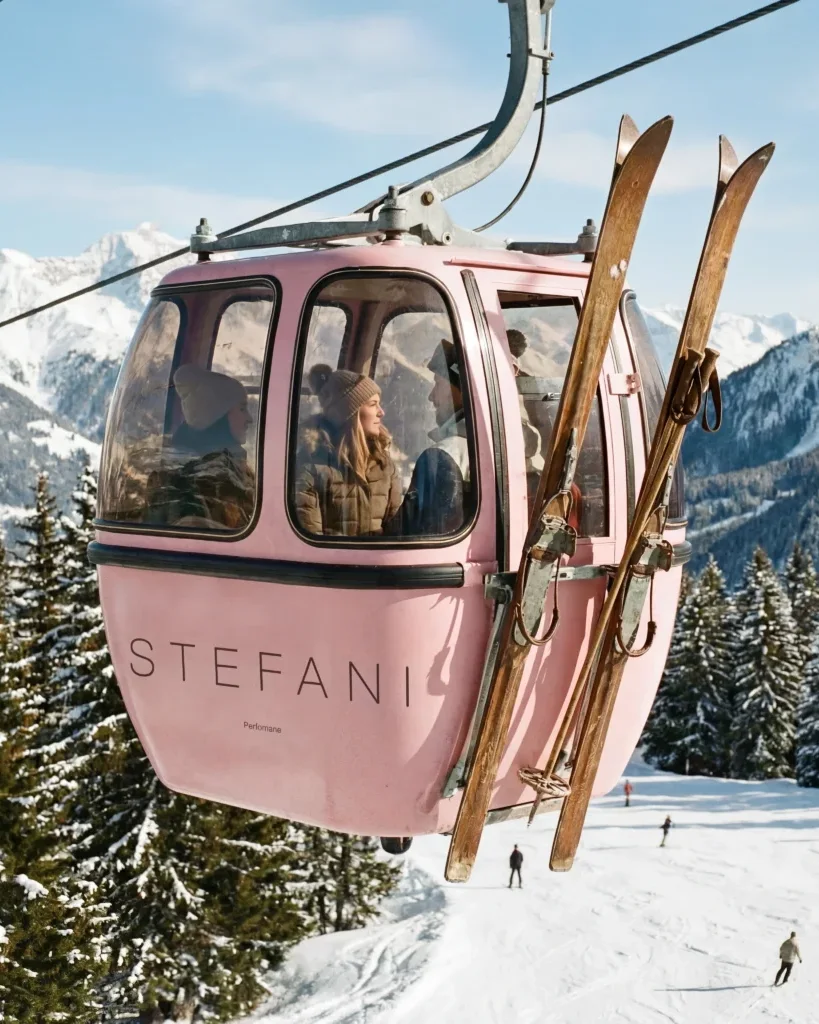
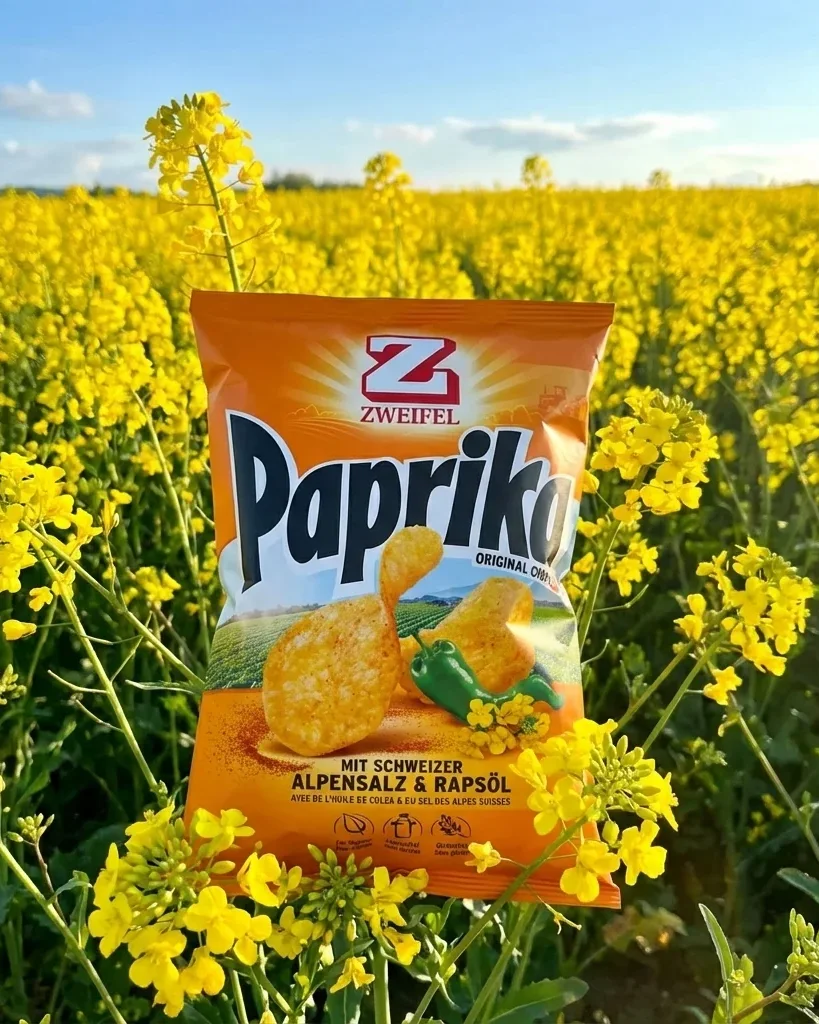
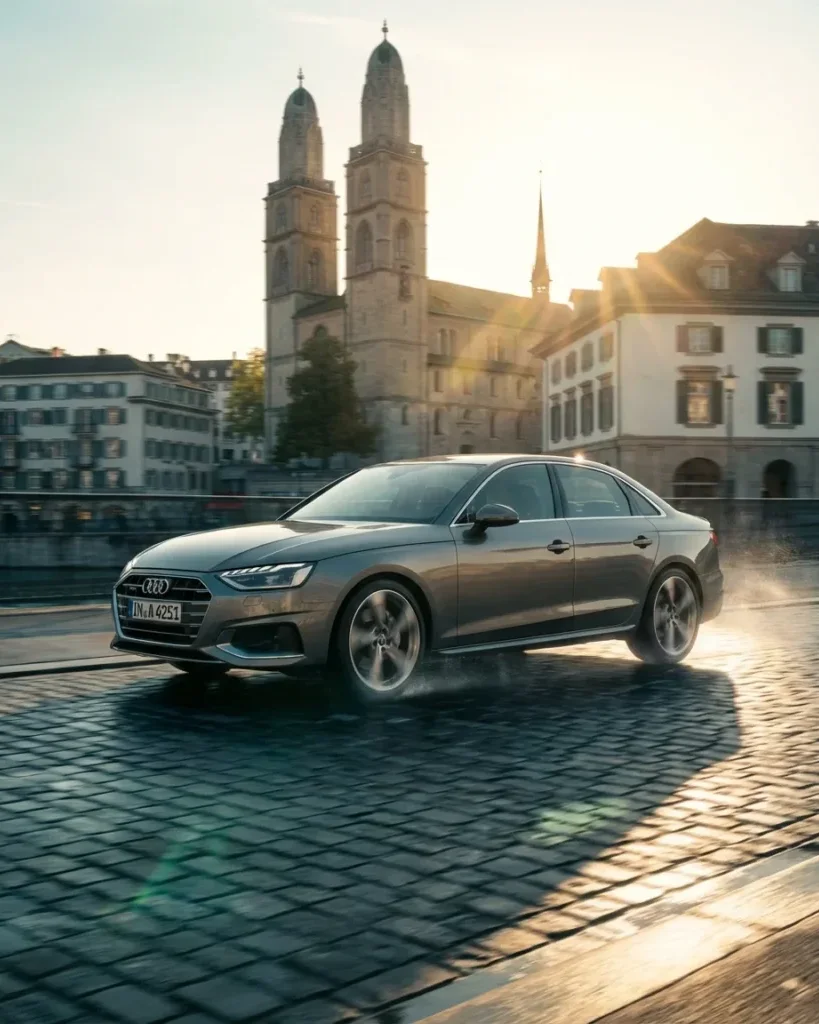
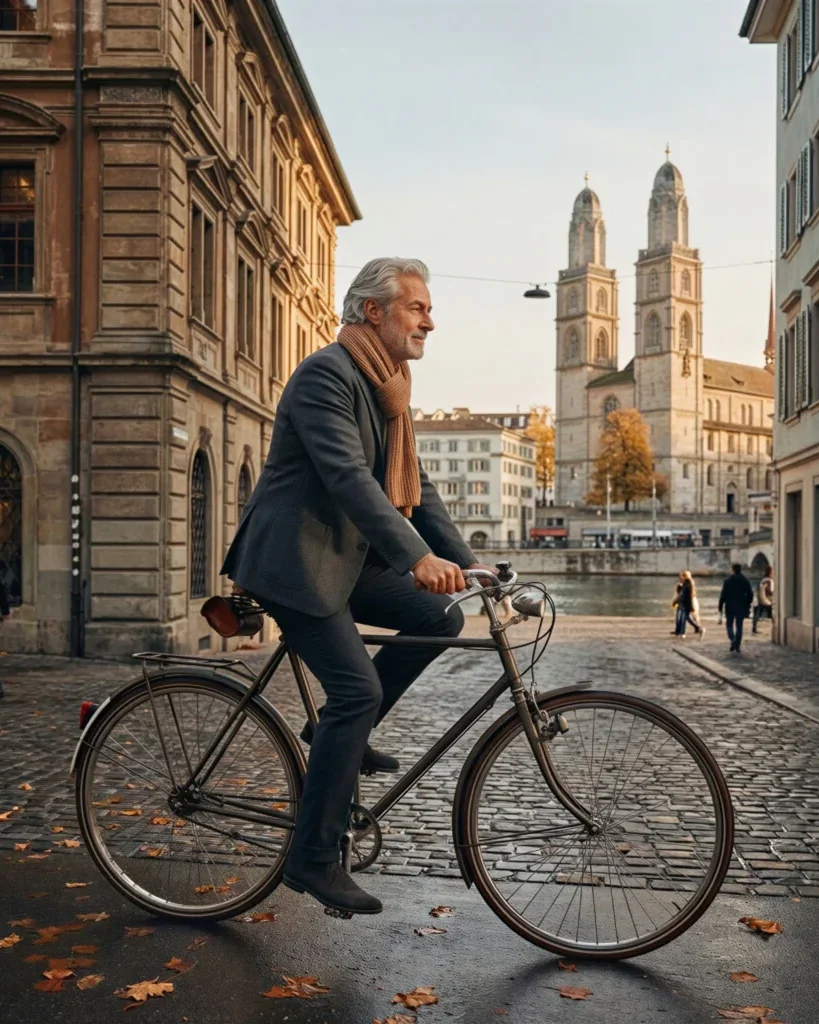
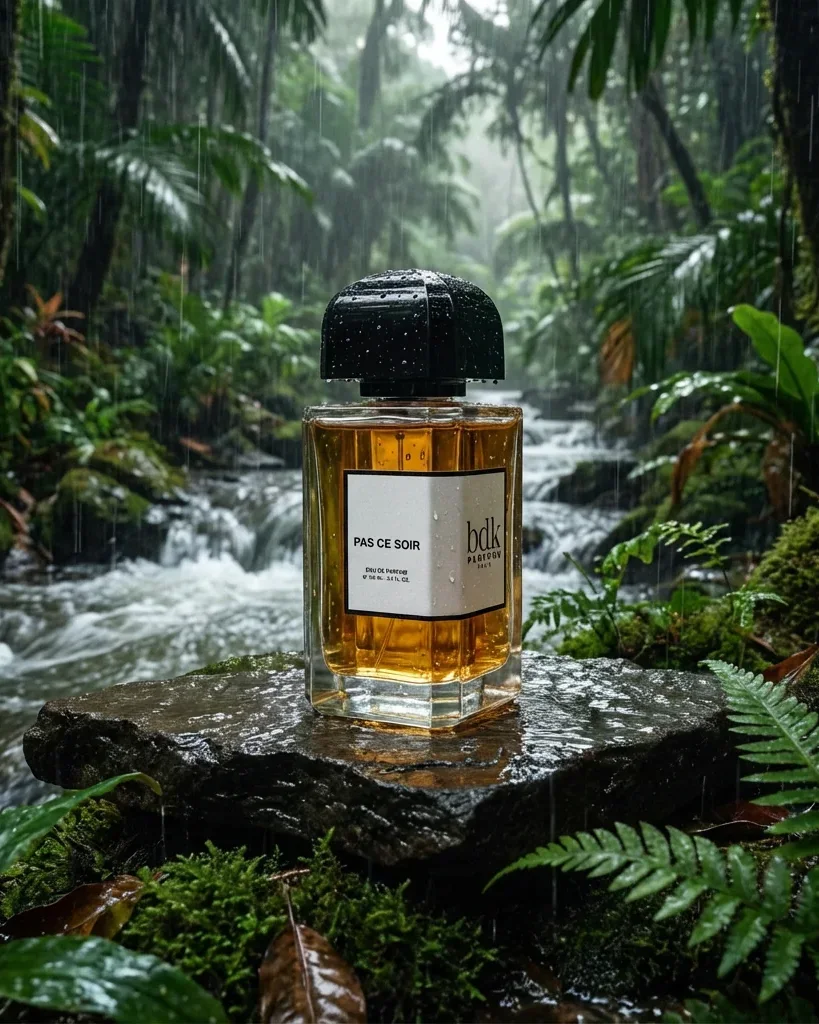
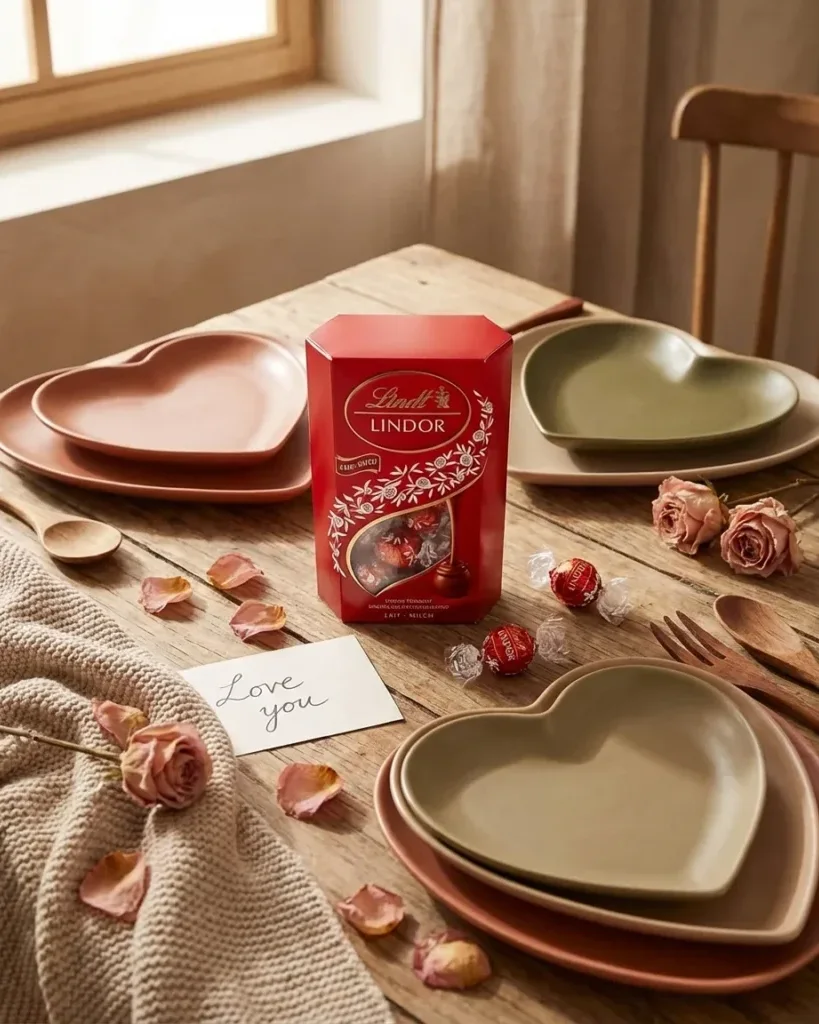
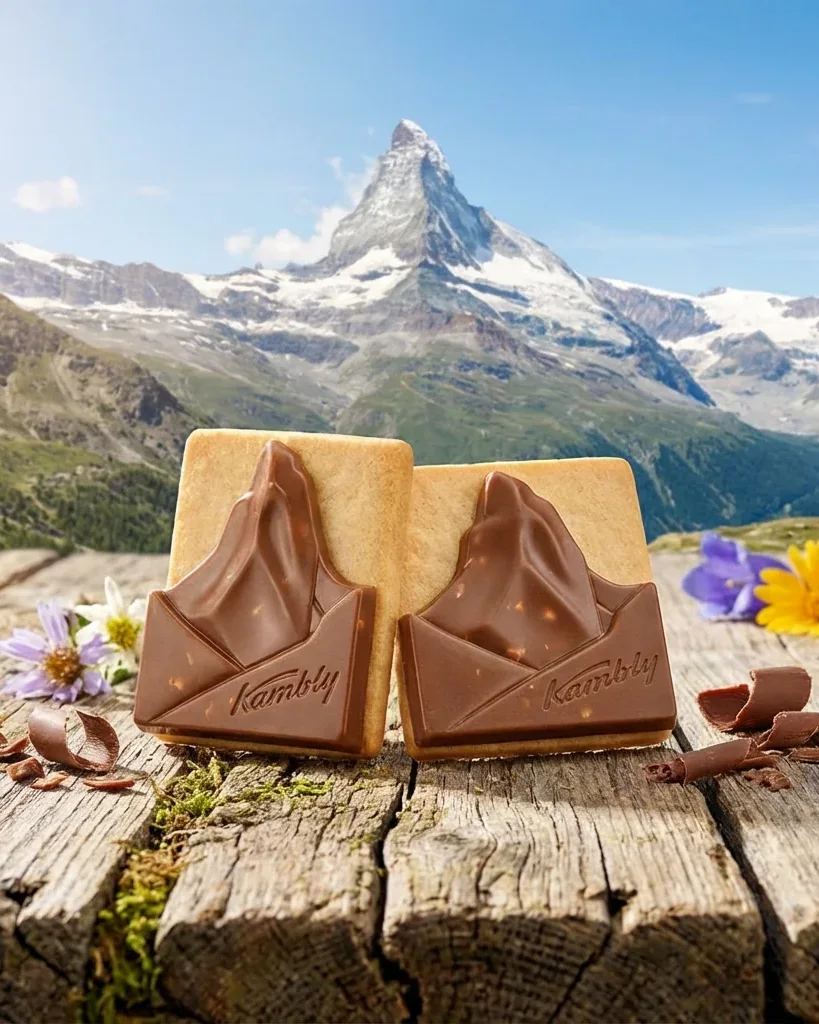

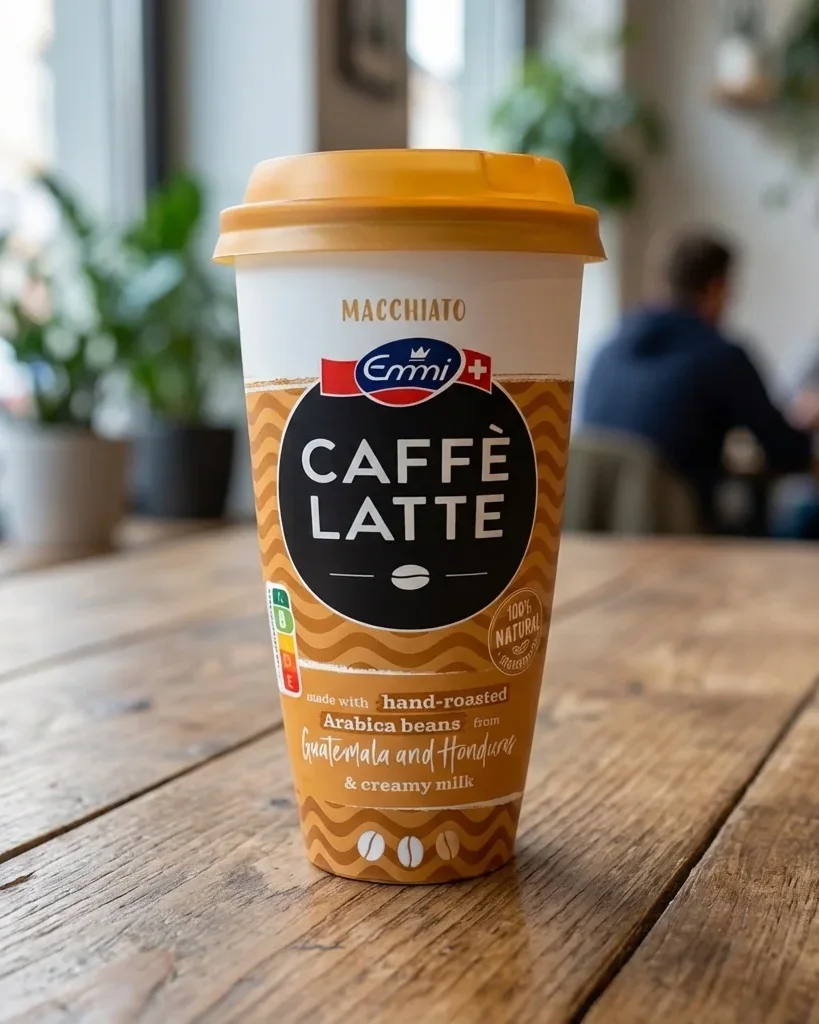
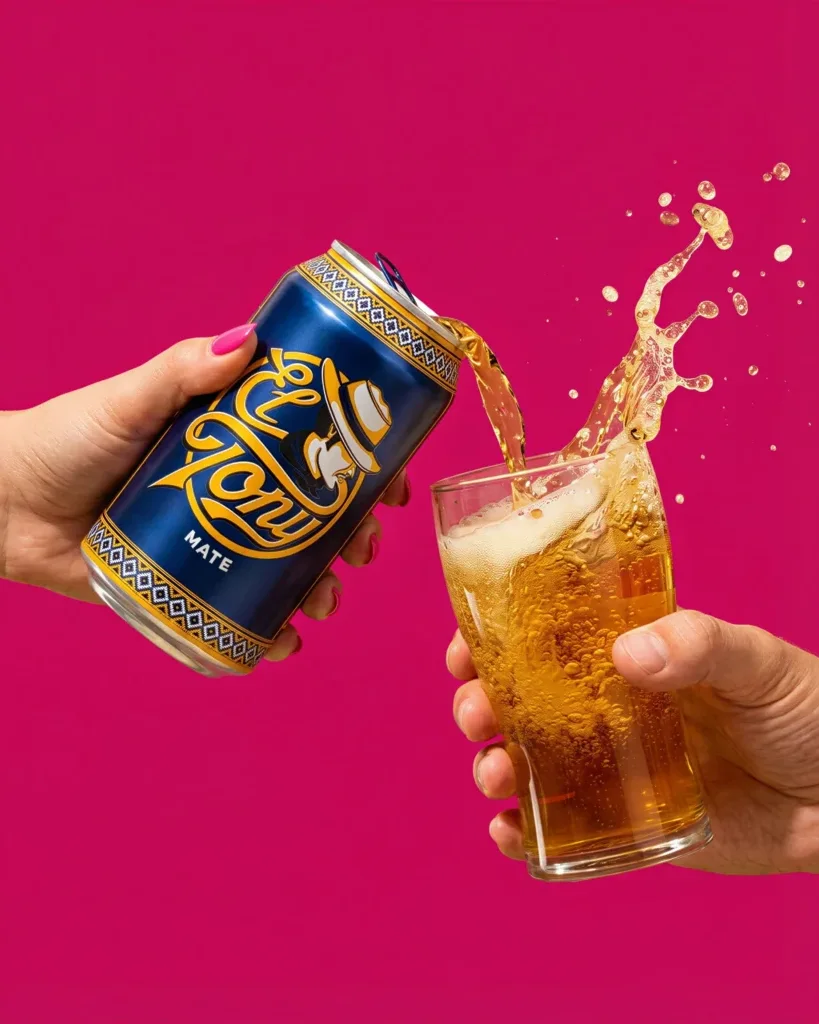
Style Models
Your Style. Every Image.
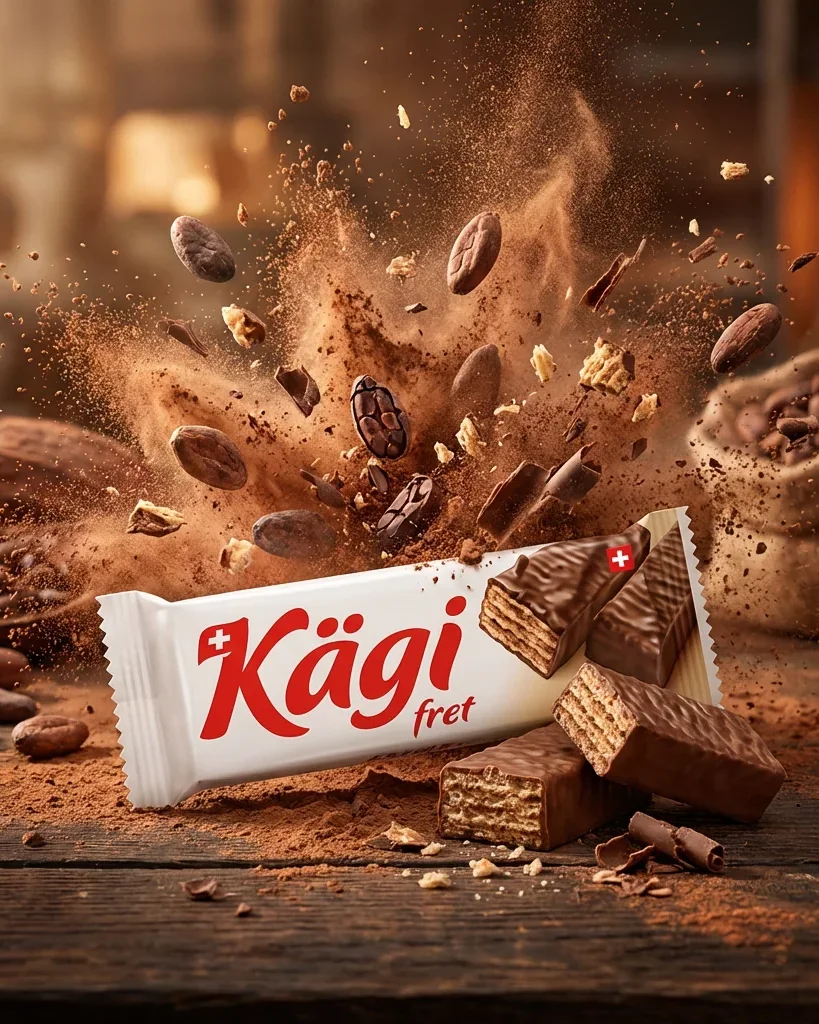
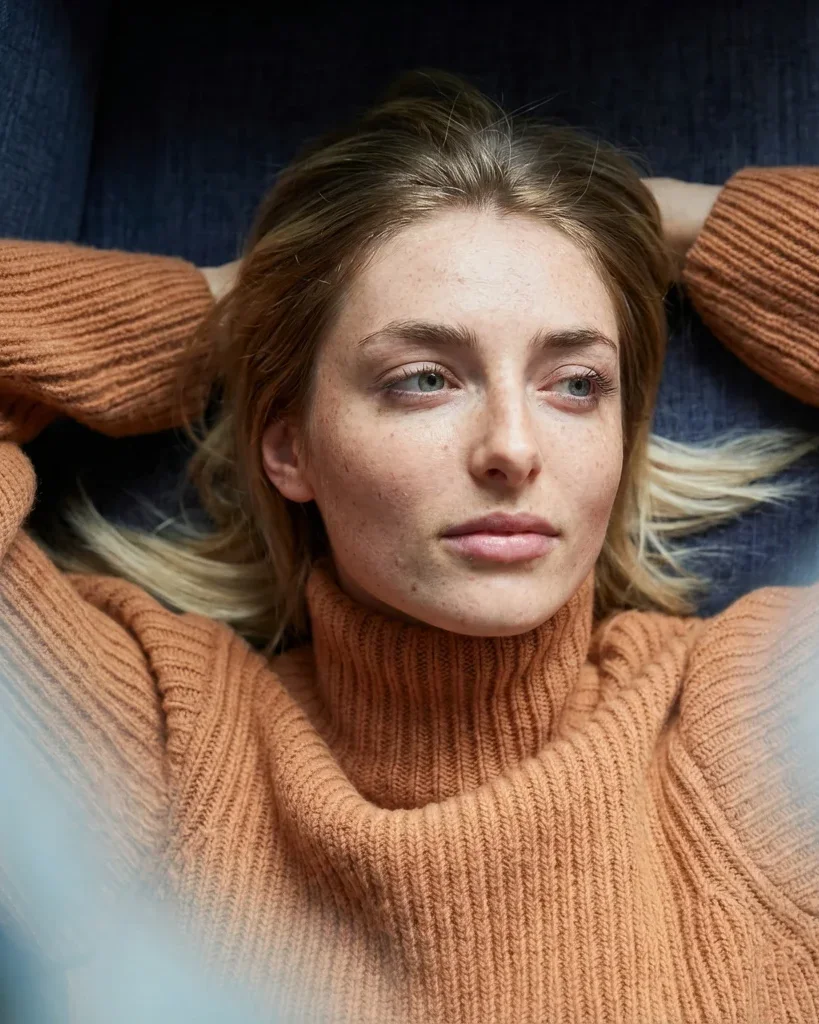
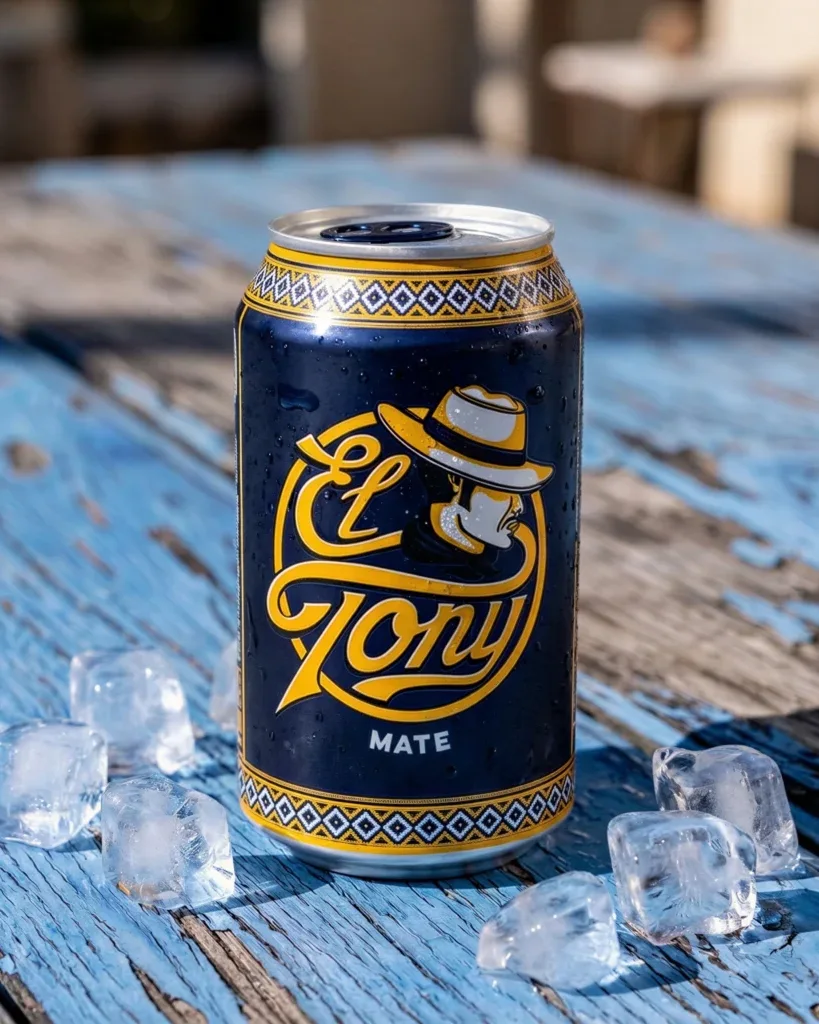
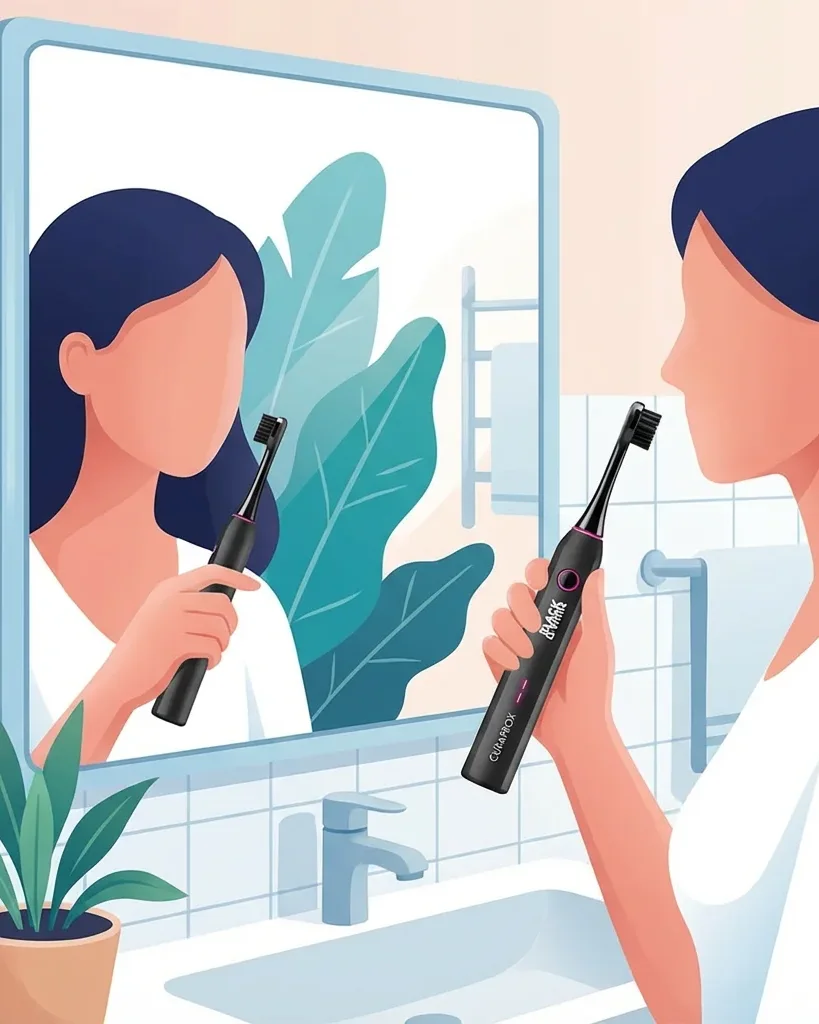
Train AI on your brand’s visual identity — products, people, scenes, or illustration style. Every generated image stays 100% on-brand.
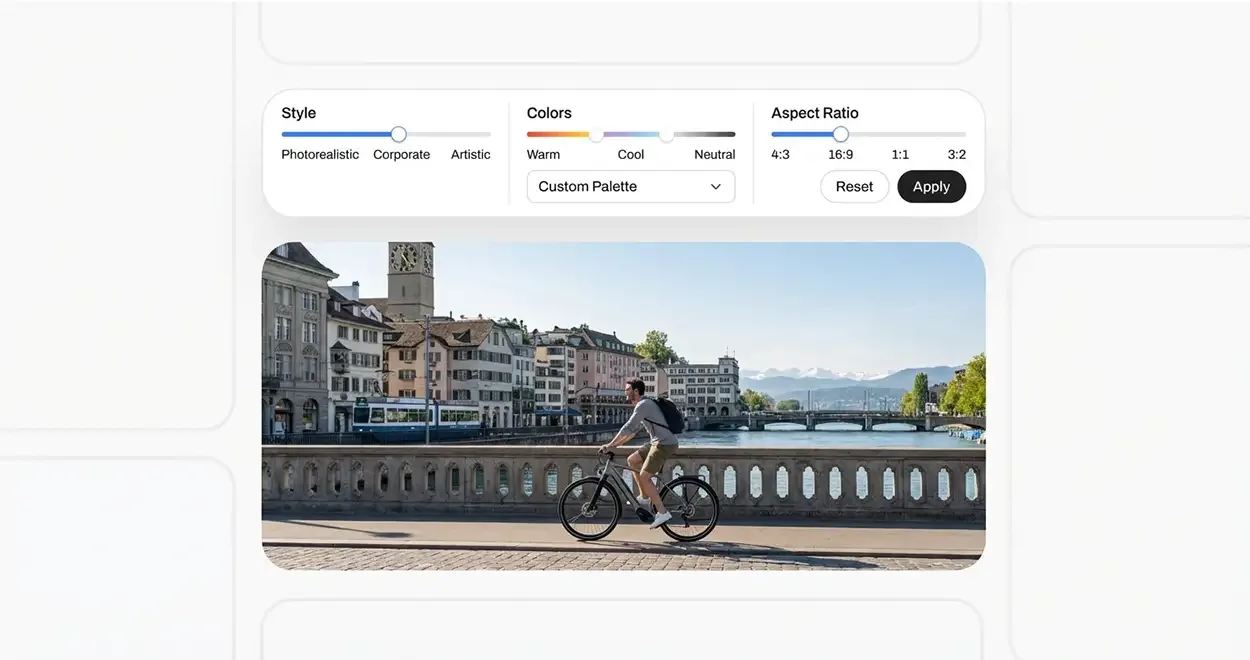
AI image generator for brands
Your marketing team creates stunning visuals that match your brand — every single time. No more waiting for designers. No more off-brand assets.
Trusted by 250+ brand and marketing teams in Switzerland

















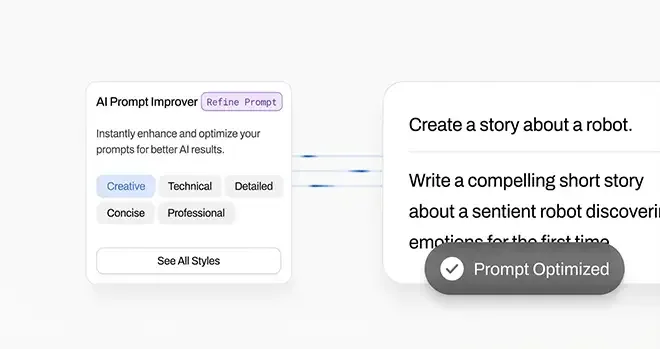
Tell Samsa what you need — in plain language. Our prompt improver transforms your idea into the perfect image description.
Select your trained style model and brand colors. Add products, people or scenes for visuals that are always 100% on-brand.
Export in any format — from Instagram Stories to large-format print, upscaled up to 38K with Crystal. Or grab the editable vector file for further refinement.
Your team shouldn’t wait days for simple visuals. With your custom AI style model, every image is pre-approved by design — because it’s built on your brand guidelines from the start. The AI image generator that’s built for brand compliance.
Generate images in 10 aspect ratios — from 9:16 Stories to 21:9 website banners. Up to 4K for digital, and up to 38K for large-format print when you upscale with Crystal. No cropping, no resizing, no back-and-forth with designers.
Powerful Features
Style Models
Train AI on your brand’s visual identity — products, people, scenes, or illustration style. Every generated image stays 100% on-brand.
Train Samsa on your products, people, and visual style. Every generated image stays 100% on-brand — automatically.
Prompt Improver
Just describe your idea in a few words. Samsa expands it into a detailed, optimized description — so you get exactly what you imagined.
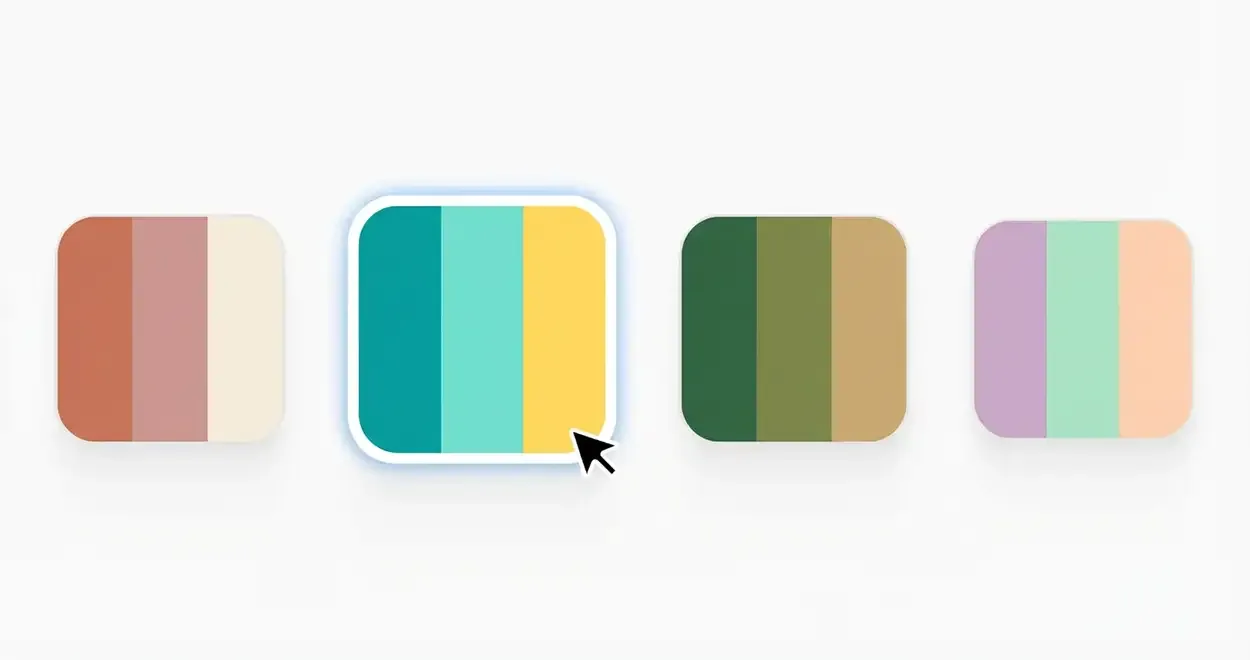
Brand Colors
Upload your primary, secondary, and accent colors. Samsa applies them exactly where they belong — automatically.
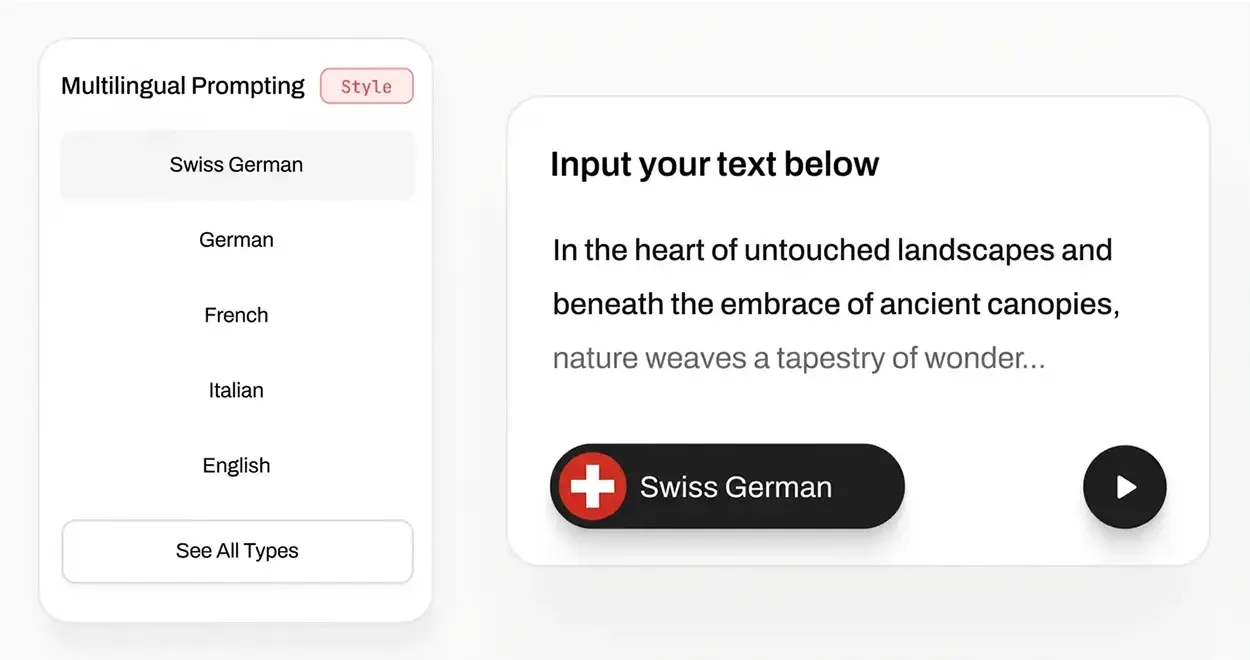
Multilingual
Describe what you need in German, French, Italian, or English. No translation required — Samsa understands you.
Editing
All in your browser. All in your brand style.
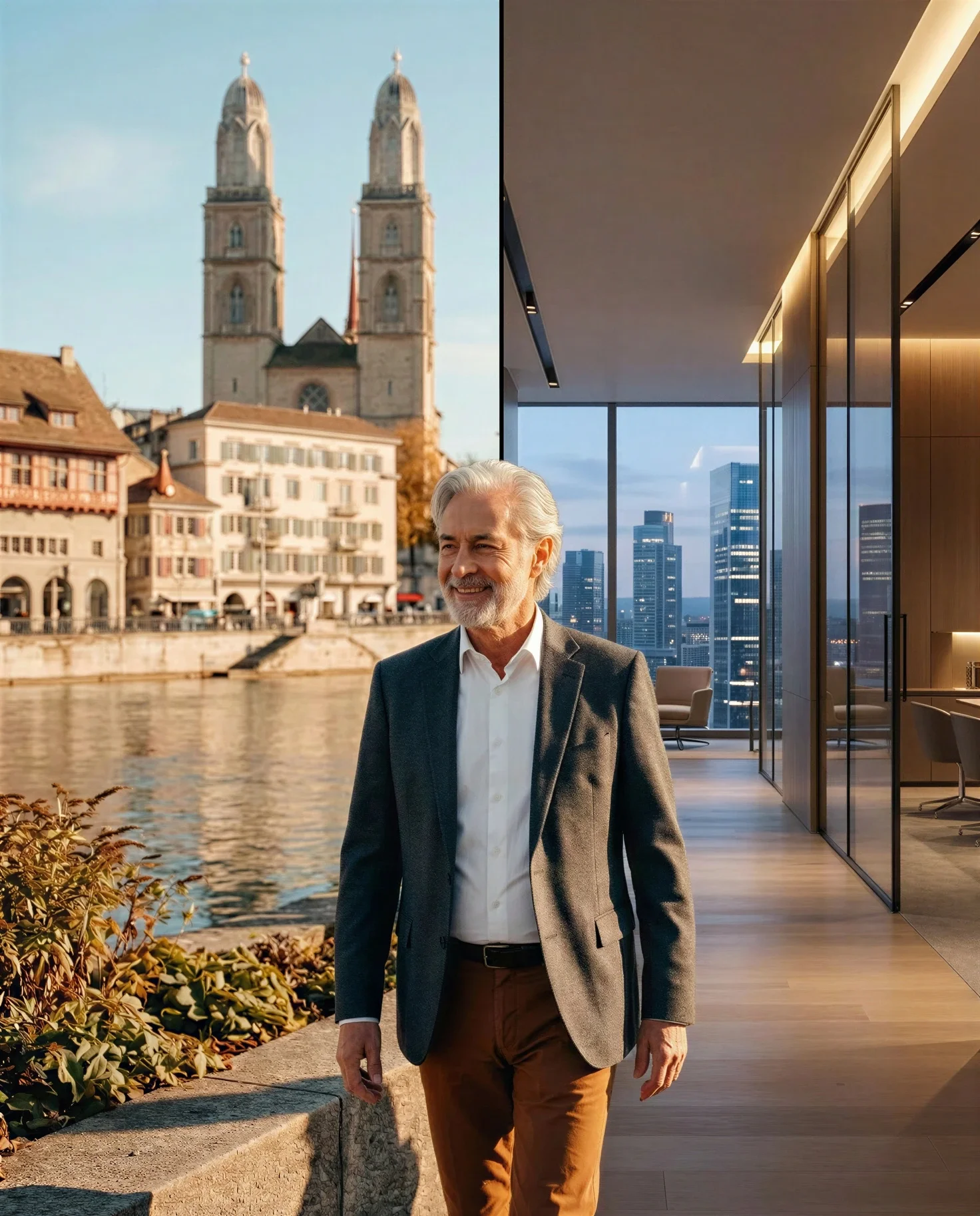
 Replace background with office scene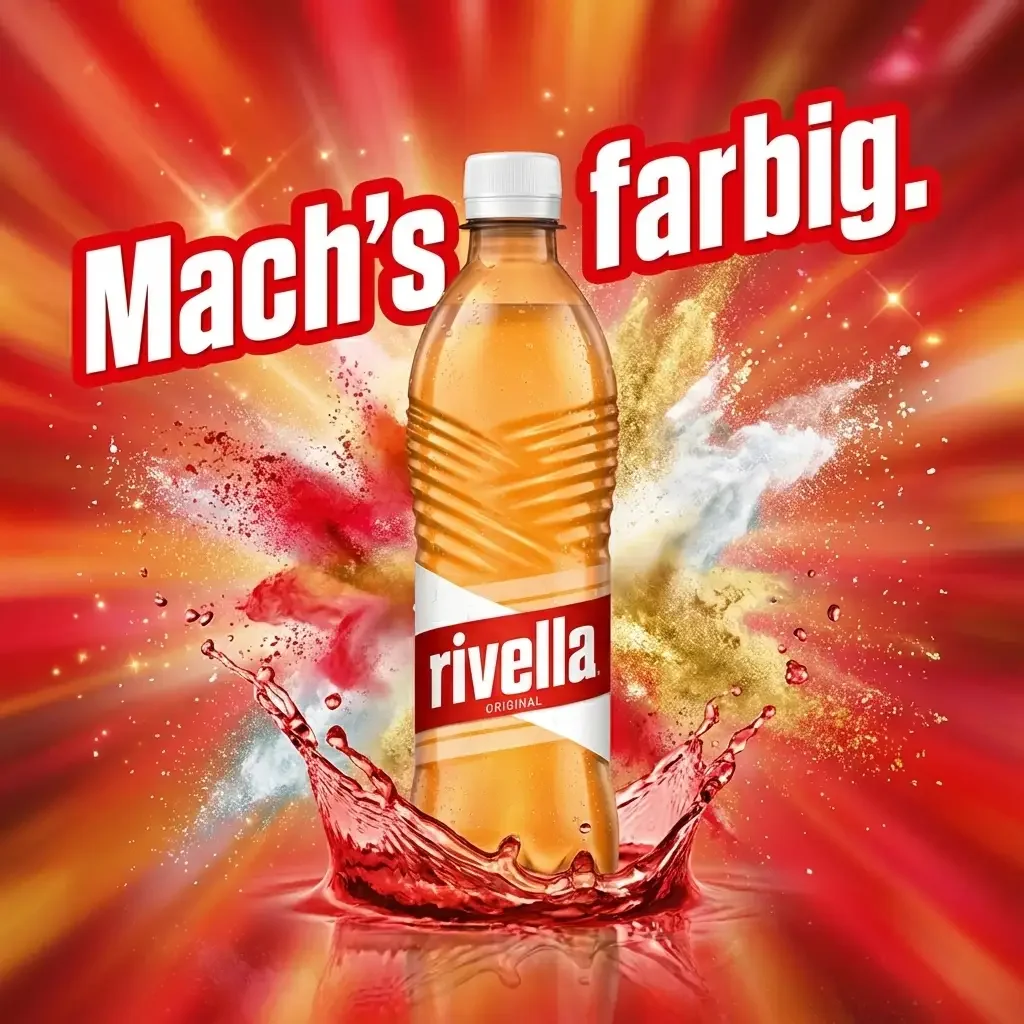
 Add and edit text overlays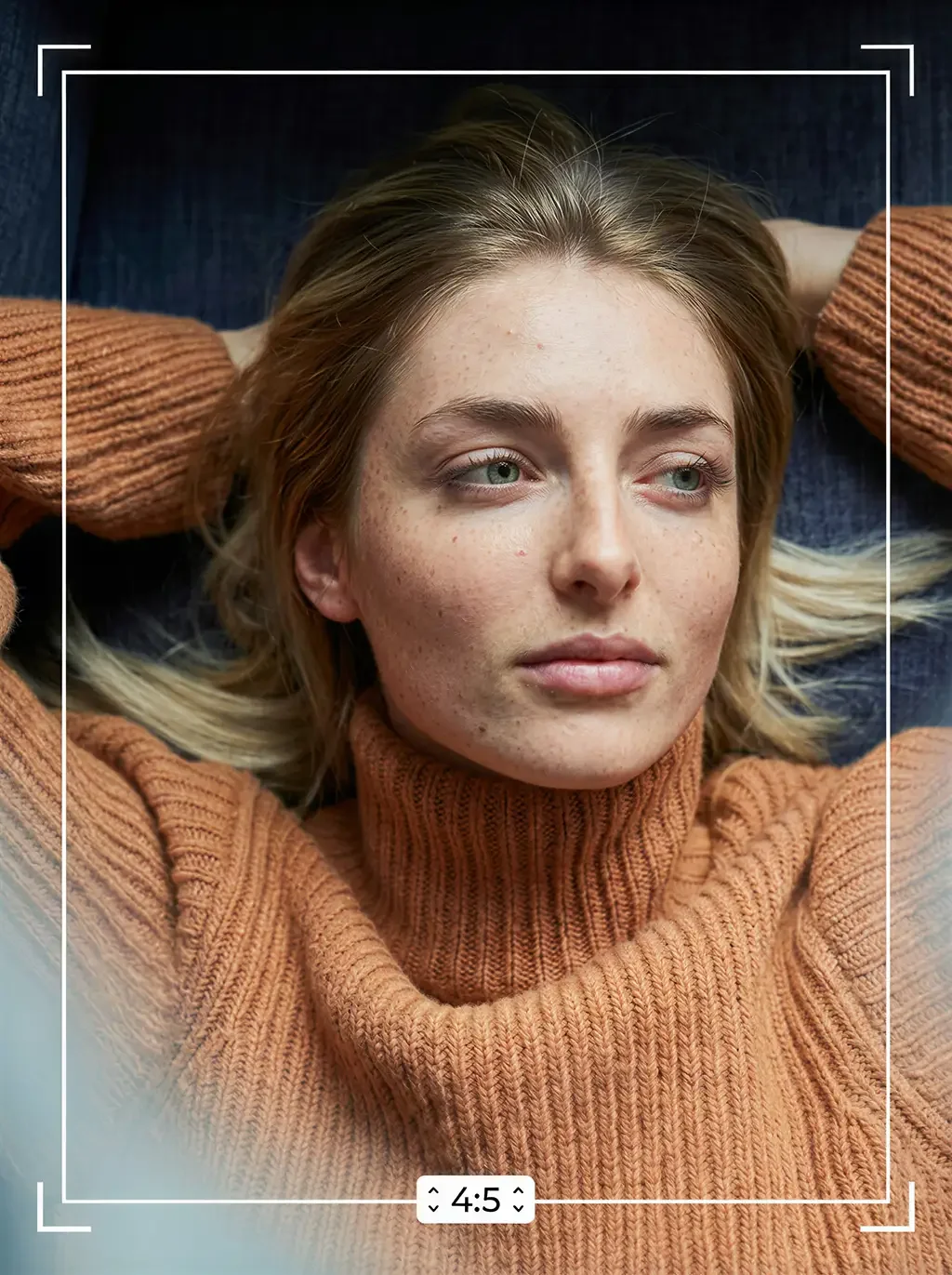
 Adjust aspect ratios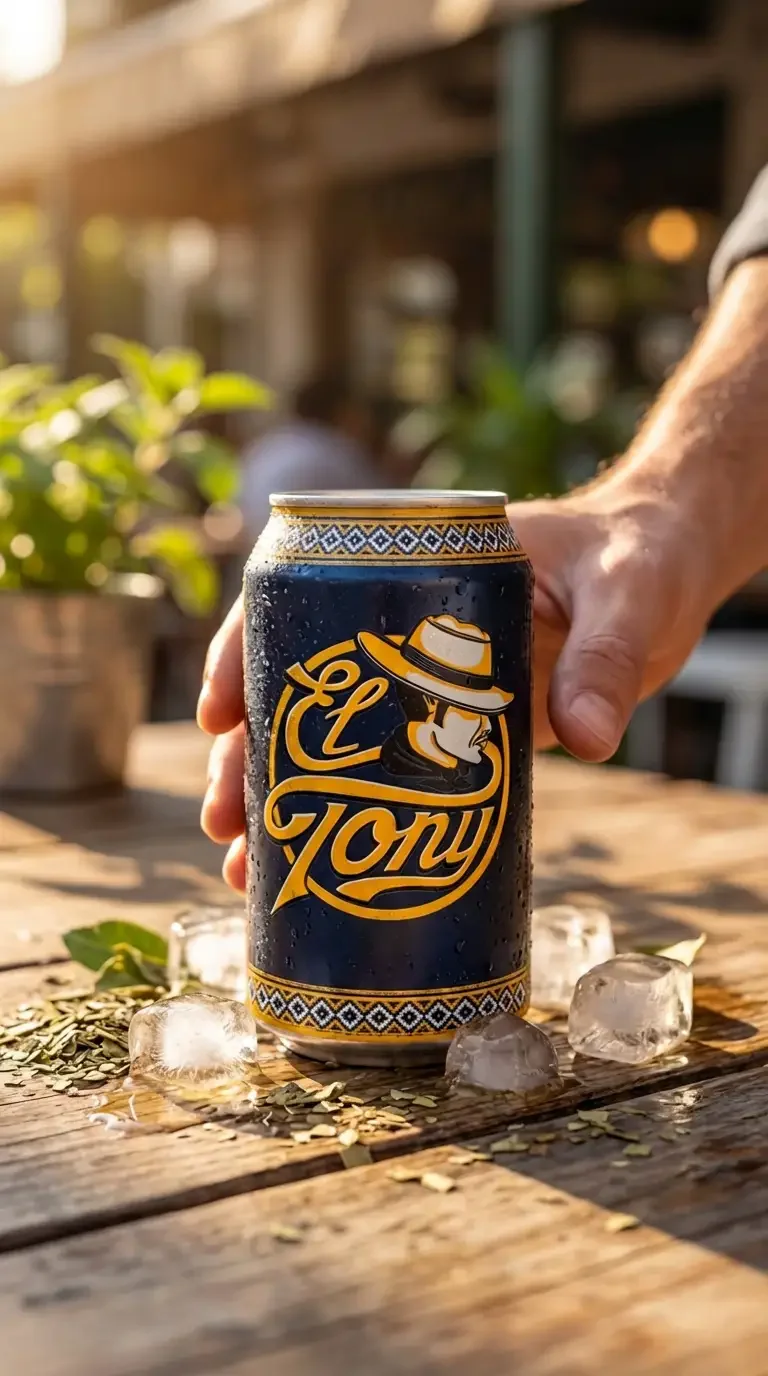
 Add, change or remove objects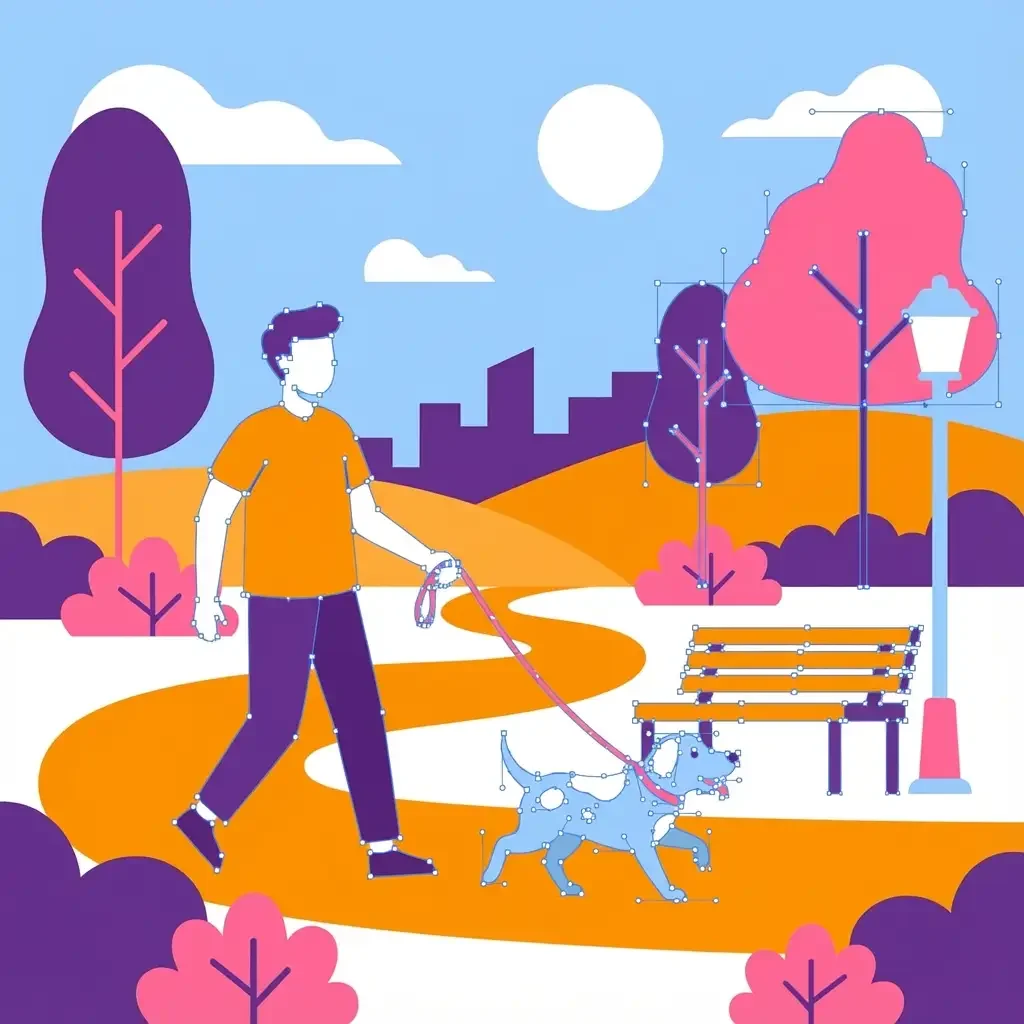
 Vectorize images
 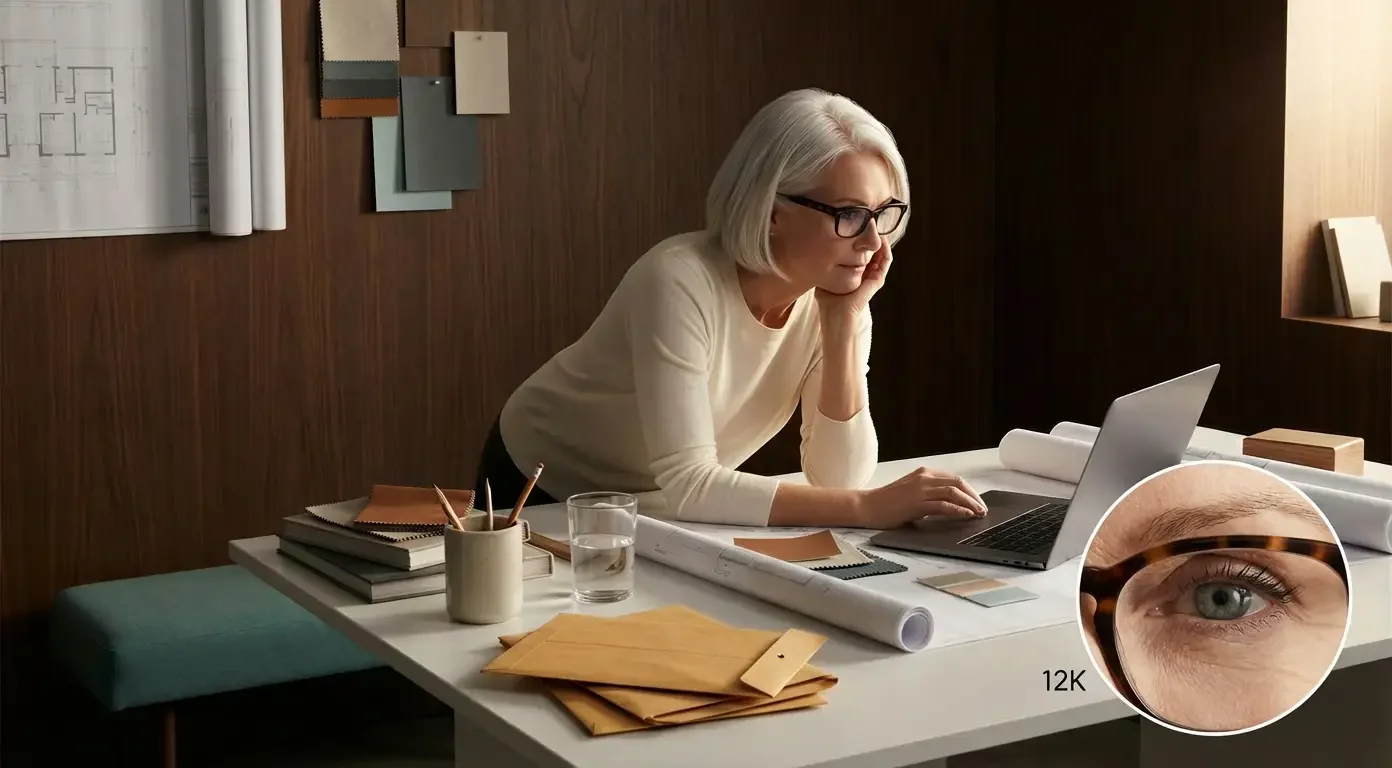 Upscale up to 38K with Crystal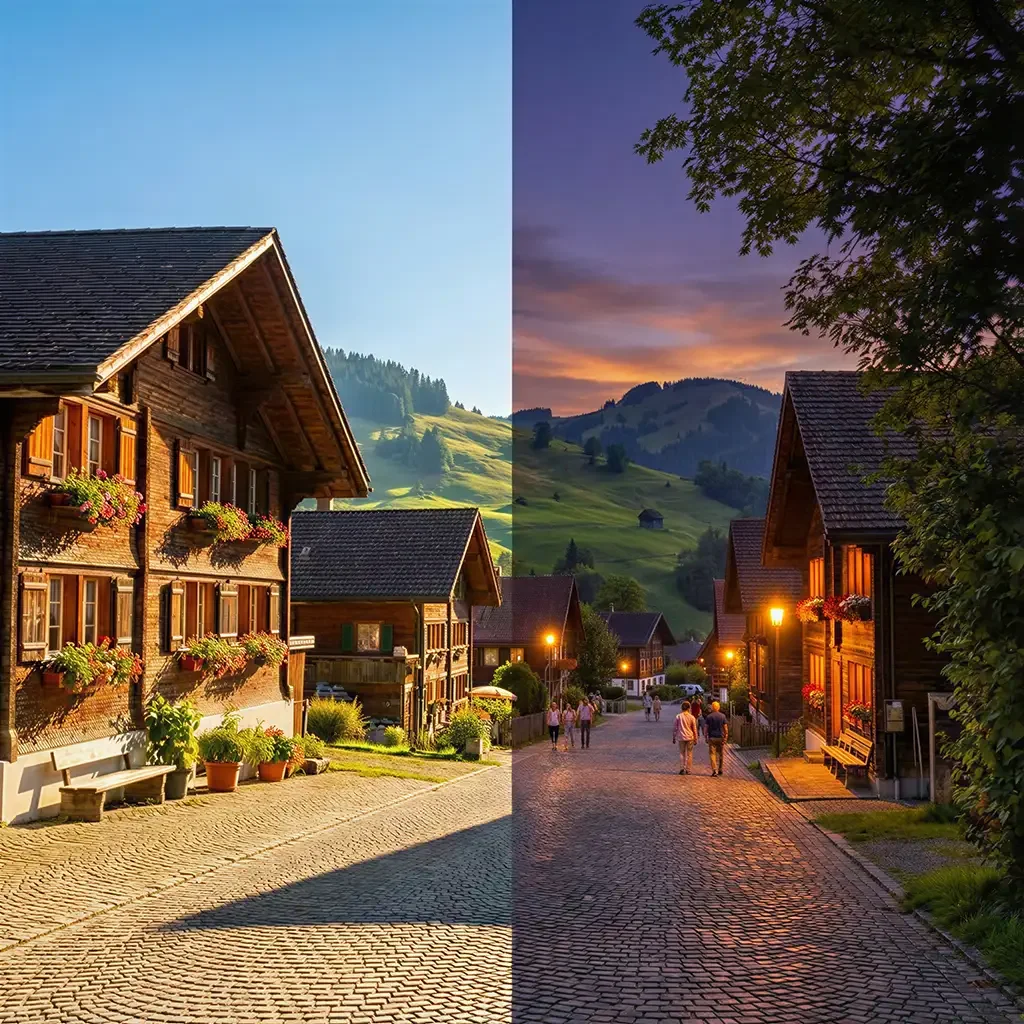
 Change lighting and mood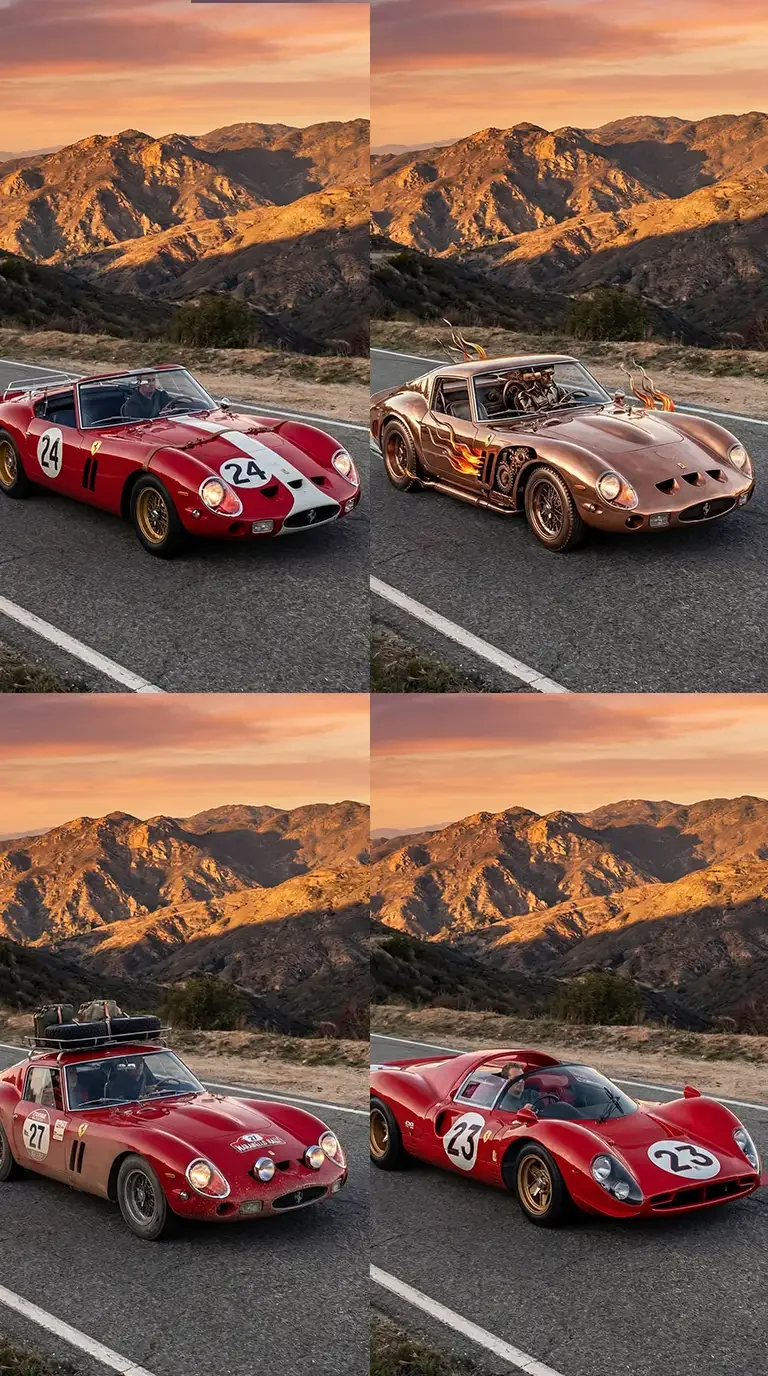
 Create variations
Make changes directly in your browser — remove backgrounds, swap elements, adjust lighting, expand frames, add text. Our AI handles the hard part.
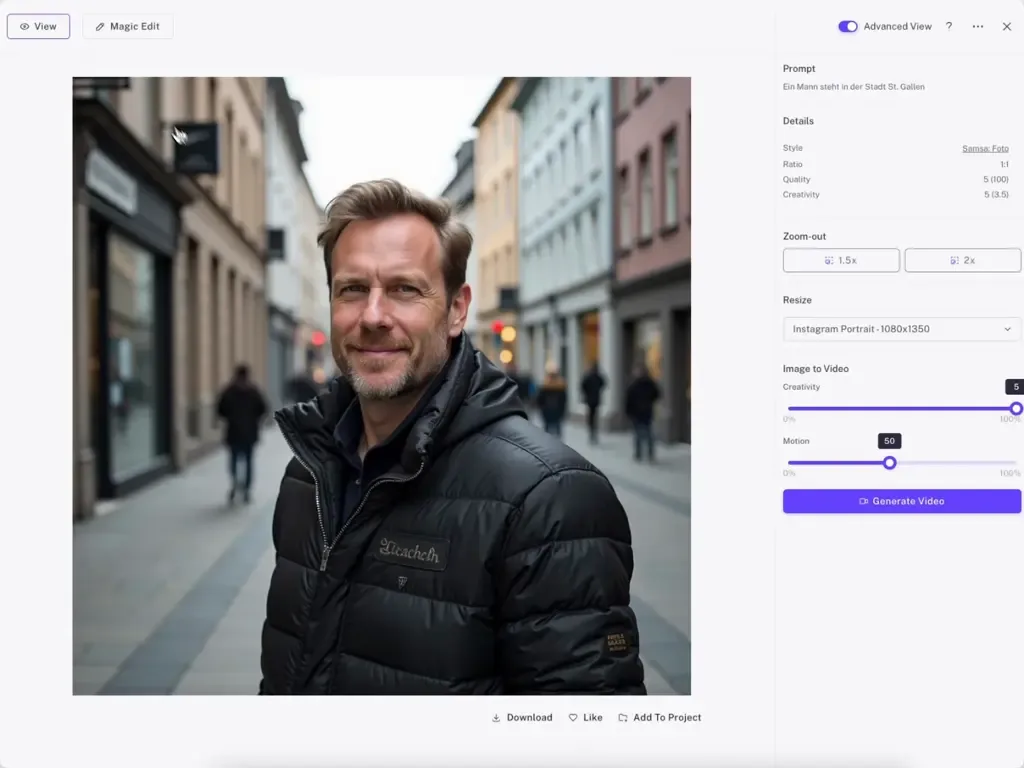
Magic Edit
Highlight any area, tell Samsa what to change, and watch the AI transform it — while keeping your brand style intact.
Get started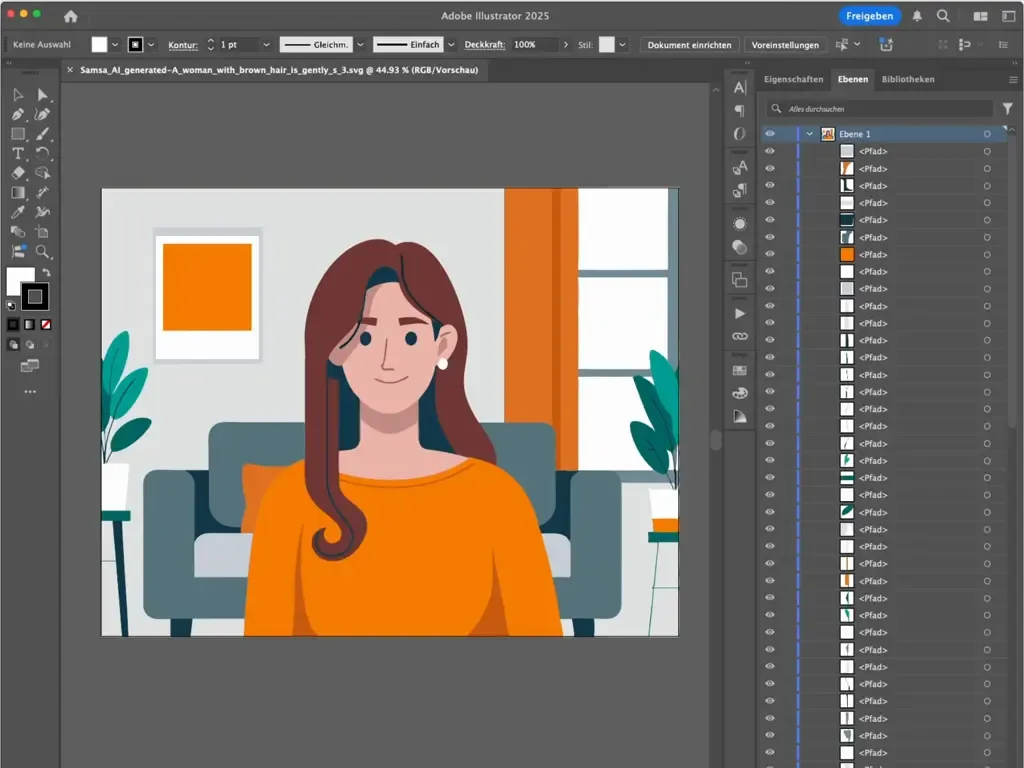
Vector Exports
Download fully layered SVG files. Hand them to your designers for final touches, or scale to any size without quality loss.
Get startedSamsa generates from models trained on your own reference images: your style, your products, your people and your scenes. On top of that you save your brand colors as palettes and reuse presets, so every image starts from your brand rather than from a generic model and a long prompt.
How a trained model compares with a detailed prompt or a single reference image: How to create on-brand AI images: 3 approaches
Samsa’s AI image generator supports 10 aspect ratios, from 9:16 for Stories to 21:9, in 1K, 2K or 4K resolution. You choose the format before you generate, so an image is made for Instagram, LinkedIn, a website header or a print layout from the start. Images export as WebP, JPG or PNG.
An image uses 5 credits at 1K, 10 at 2K and 20 at 4K resolution. Starter costs CHF 49 per month, or CHF 39 per month billed yearly, for 500 credits, which is about 100 images at 1K. Model training is free and unlimited on every plan. All plans are on the pricing page.
Yes, in the same workspace: change details with Magic Edit (mark an area and describe the change), create variations, resize an image for another format, upscale it, remove the background or turn it into an SVG. Editing uses credits by operation and resolution, for example 5 credits for an edit at 1K and 1 credit to remove a background. More on the image and video editing page.
Yes. You can prompt in English, German, French or Italian, and an AI prompter helps you turn a short idea into a detailed prompt. Your trained brand models apply whichever language you write in, so teams in different language regions work with the same models and get the same brand look.
Yes, on every plan, provided you hold the rights to the images you train your models on. You can then use the generated images for e-commerce, advertising, print, social media and any other commercial purpose. The help center explains the details: commercial usage rights for generated images.
# AI Image Generator for Brands | On-Brand Visuals | Samsa
> AI image generator for brands: models trained on your style, products and people keep every image on-brand, in formats from 9:16 to 21:9, up to 4K.
Language: English · Machine index: [https://samsa.ai/llms.txt](/llms.txt)
---
**AI image generator for brands**
## On-brand images. In seconds. Without designers.
Your marketing team creates stunning visuals that match your brand — every single time. No more waiting for designers. No more off-brand assets.
[Get started](https://app.samsa.ai/signup)
---
Trusted by 250+ brand and marketing teams in Switzerland
SRK · SPS · Michel · Switzerland Tourism · Hertz · Klett · Vontobel · PostFinance · Focus Water · Sanitas · Trisa · Rivella · Capri-Sun · Stadler Rail · Marché · Darvida · HUG · Wernli · Transa · Bank WIR
---
## Generate on-brand images in 3 simple steps
### 1
### Prompt
Tell Samsa what you need — in plain language. Our prompt improver transforms your idea into the perfect image description.
*(image: Write)*
### 2
### Style
Select your trained style model and brand colors. Add products, people or scenes for visuals that are always 100% on-brand.
*(image: Design)*
### 3
### Use
Export in any format — from Instagram Stories to large-format print, upscaled up to 38K with Crystal. Or grab the editable vector file for further refinement.
*(image: Use)*
---
*(image: Illustration: a person relaxing under a palm tree)*
## End the approval bottleneck
Your team shouldn’t wait days for simple visuals. With your custom AI style model, every image is pre-approved by design — because it’s built on your brand guidelines from the start. The AI image generator that’s built for brand compliance.
[Get started](https://app.samsa.ai/signup)
---
### Every format. Every resolution. One click.
Generate images in 10 aspect ratios — from 9:16 Stories to 21:9 website banners. Up to 4K for digital, and up to 38K for large-format print when you upscale with Crystal. No cropping, no resizing, no back-and-forth with designers.
[Get started](https://app.samsa.ai/signup)
*(image: Illustration: a person fitting the last piece into a puzzle)*
---
#### Powerful Features
## Everything you need to Generate Perfect Brand Images
*(image: Brand Colors)*
#### Brand Colors
### Custom Brand Colors
Upload your primary, secondary, and accent colors. Samsa applies them exactly where they belong — automatically.
*(image: Prompt Optimizer)*
#### Prompt Improver
### Describe Less. Get More.
Just describe your idea in a few words. Samsa expands it into a detailed, optimized description — so you get exactly what you imagined.
### Your Brand. Perfectly Trained.
Train Samsa on your products, people, and visual style. Every generated image stays 100% on-brand — automatically.
[Start training now](https://app.samsa.ai)
*(image: AI Voice Generator Product Features Image)*
*(image: Brand Styles)*
#### Style Models
### Your Style. Every Image.
Train AI on your brand’s visual identity — products, people, scenes, or illustration style. Every generated image stays 100% on-brand.
*(image: Multilingual Prompting)*
#### Multilingual
### Prompt in Your Language
Describe what you need in German, French, Italian, or English. No translation required — Samsa understands you.
---
#### Editing
## Every Edit. No Expertise.
All in your browser. All in your brand style.
*(image: Replace Background)*
- Replace background with office scene
*(image: Replace background with office scene)*
*(image: Text Overlays)*
- Add and edit text overlays
*(image: Add and edit text overlays)*
*(image: Aspect Ratio)*
- Adjust aspect ratios
*(image: Adjust aspect ratios)*
*(image: Add Objects)*
- Add, change or remove objects
*(image: Add, change or remove objects)*
*(image: Vectorization Ai)*
- Vectorize images
*(image: Vectorize images)*
*(image: Upscale)*
- Upscale up to 38K with Crystal
*(image: Upscale up to 38K with Crystal)*
*(image: Change Lighting Mood)*
- Change lighting and mood
*(image: Change lighting and mood)*
*(image: Variations)*
- Create variations
*(image: Create variations)*
*(image: Combine Images)*
- Combine images
[Explore Examples](/examples/)
---
## Edit like a designer. No Photoshop needed.
Make changes directly in your browser — remove backgrounds, swap elements, adjust lighting, expand frames, add text. Our AI handles the hard part.
[video](/_astro/product-magic-edit.DQv6Yhnh.mp4)
- Magic Edit
### Point. Describe. Done.
Highlight any area, tell Samsa what to change, and watch the AI transform it — while keeping your brand style intact.
[Get started](https://app.samsa.ai/signup)
[video](/_astro/product-svg-export.DHt5_dzb.mp4)
- Vector Exports
### Edit later. Scale forever.
Download fully layered SVG files. Hand them to your designers for final touches, or scale to any size without quality loss.
[Get started](https://app.samsa.ai/signup)
---
## Frequently asked questions about the AI image generator for brands
### How does an AI image generator keep images on-brand?
Samsa generates from models trained on your own reference images: your style, your products, your people and your scenes. On top of that you save your brand colors as palettes and reuse presets, so every image starts from your brand rather than from a generic model and a long prompt.
How a trained model compares with a detailed prompt or a single reference image: [How to create on-brand AI images: 3 approaches](https://samsa.ai/guides/on-brand-ai-images-three-approaches/)
### Which formats and resolutions can I generate?
Samsa’s AI image generator supports 10 aspect ratios, from 9:16 for Stories to 21:9, in 1K, 2K or 4K resolution. You choose the format before you generate, so an image is made for Instagram, LinkedIn, a website header or a print layout from the start. Images export as WebP, JPG or PNG.
### What does an AI-generated image cost?
An image uses 5 credits at 1K, 10 at 2K and 20 at 4K resolution. Starter costs CHF 49 per month, or CHF 39 per month billed yearly, for 500 credits, which is about 100 images at 1K. Model training is free and unlimited on every plan. All plans are on the [pricing page](/pricing/).
### Can I edit the images after generating them?
Yes, in the same workspace: change details with Magic Edit (mark an area and describe the change), create variations, resize an image for another format, upscale it, remove the background or turn it into an SVG. Editing uses credits by operation and resolution, for example 5 credits for an edit at 1K and 1 credit to remove a background. More on the [image and video editing page](/edit/).
### Can I write prompts in German, French or Italian?
Yes. You can prompt in English, German, French or Italian, and an AI prompter helps you turn a short idea into a detailed prompt. Your trained brand models apply whichever language you write in, so teams in different language regions work with the same models and get the same brand look.
### Do I get commercial usage rights for the images?
Yes, on every plan, provided you hold the rights to the images you train your models on. You can then use the generated images for e-commerce, advertising, print, social media and any other commercial purpose. The help center explains the details: [commercial usage rights for generated images](https://help.samsa.ai/en/articles/83-do-i-get-commercial-usage-rights-of-my-generated-images).