


Guides
Practical answers on AI images and video for brand and marketing teams, written by Samsa's founder Niklas Jung.
-
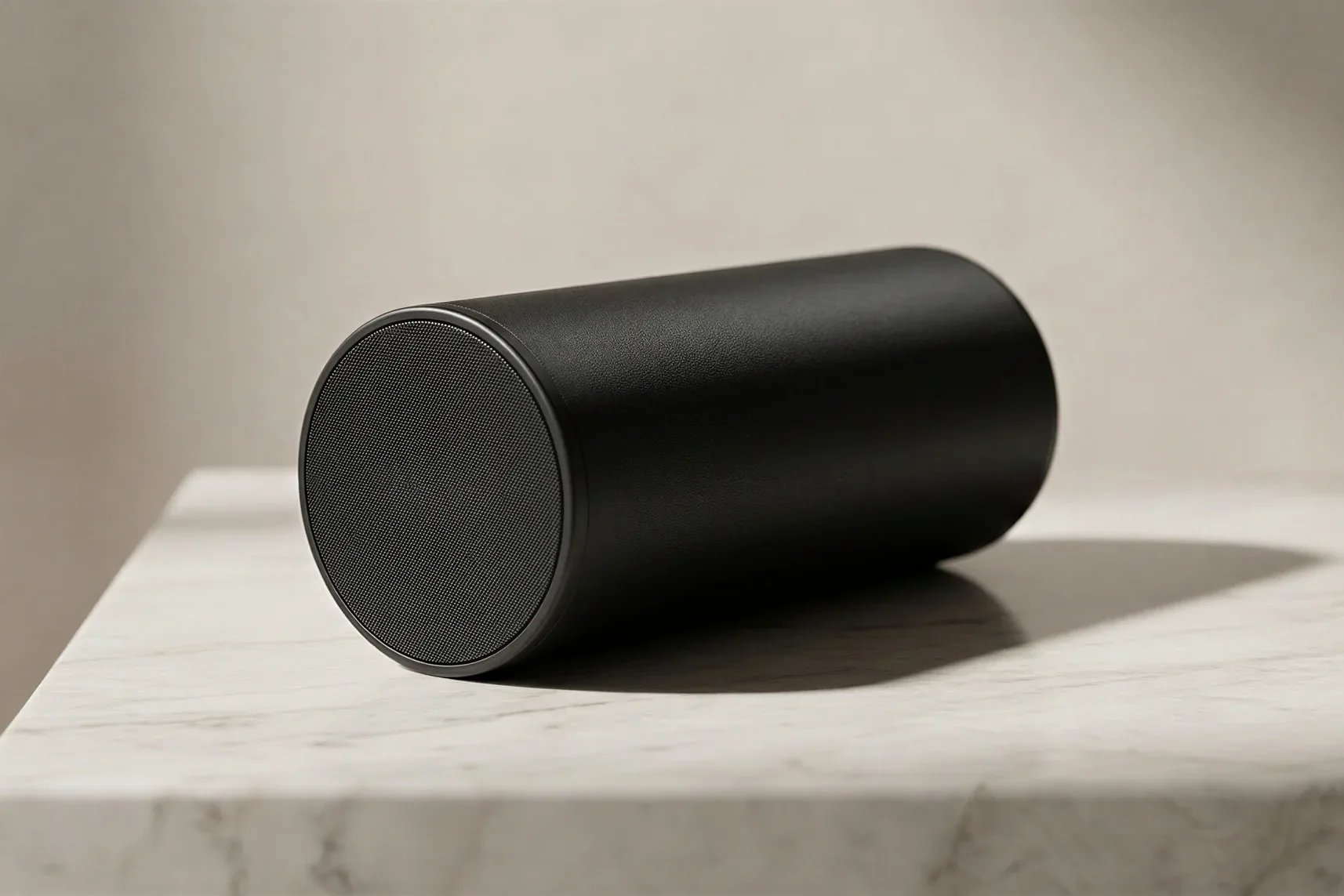
3D Visualization
3D rendering cost: hire a studio or create it with AI?
The typical 3D rendering cost in Switzerland is CHF 600 to 1,500 per still image from a studio, excluding VAT, based on published Swiss price lists (September 2026). Entry prices from CHF 390 can require an order of ten or more images. Delivery takes a few working days to four weeks. With Samsa, an AI render takes seconds to a few minutes, from 5 credits. Hire a studio for planning documents and animations; use AI for fast variants.
-
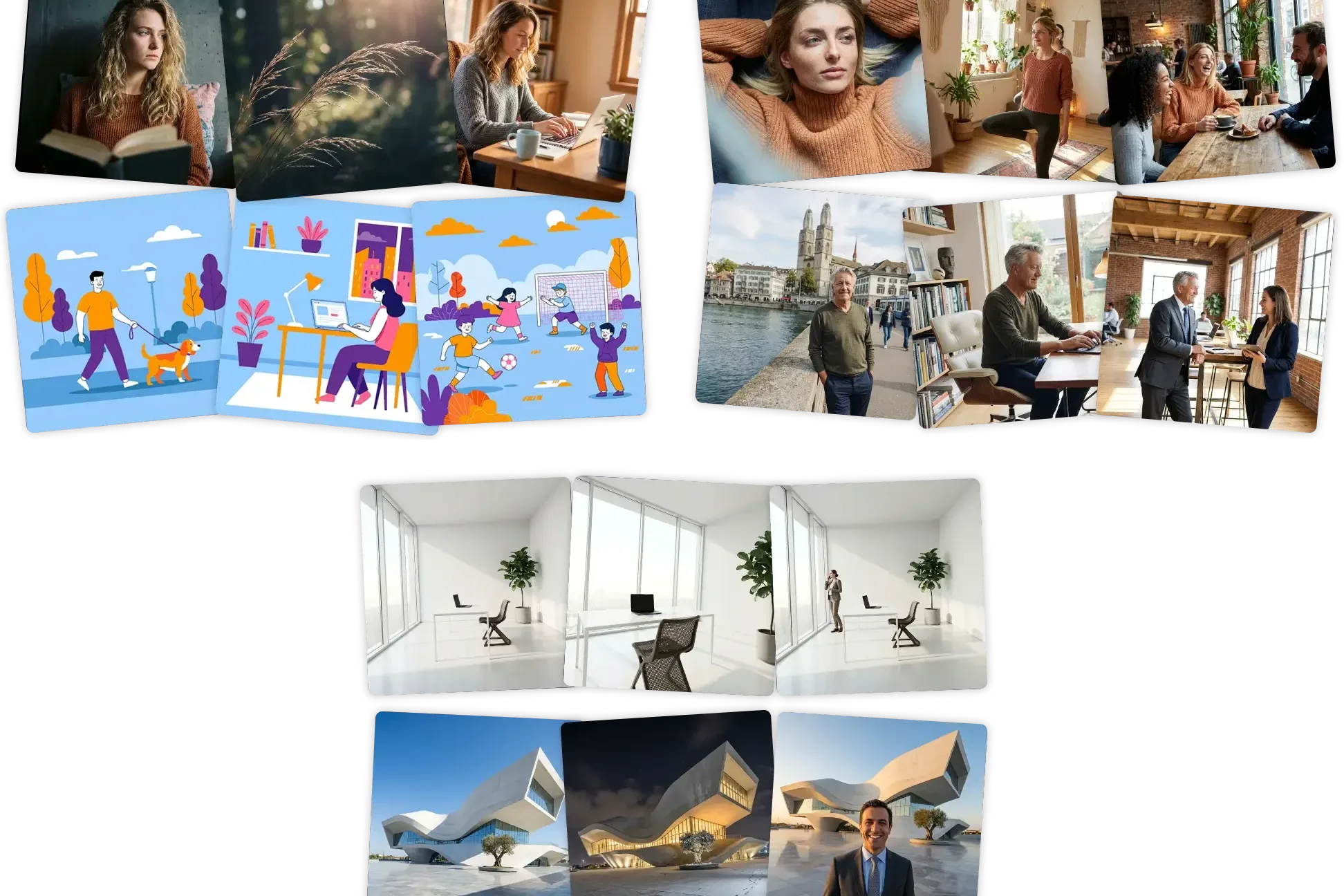
Train AI models
How to create on-brand AI images: prompt, reference image or your own model
You can create on-brand AI images in three ways. A prompt describes the look in words: fast, but every result is a fresh interpretation. A reference image shows the AI one example to follow for a single generation. A model you train learns a specific style, product, person or scene from one image (two to five recommended) and keeps it the same for everyone on your team. Most teams combine all three.
-
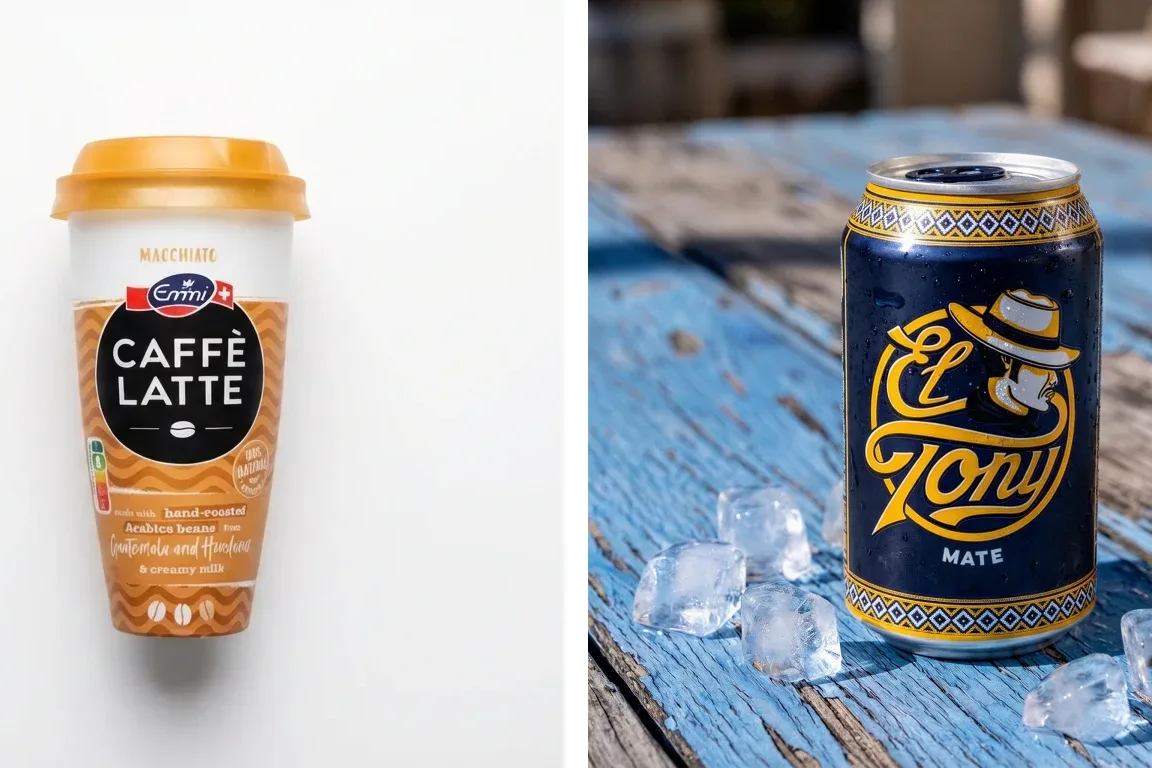
Packshots
What is a packshot? Requirements, formats and how to create one
A packshot is a clean, true-to-life image of a product and its packaging, usually shown alone on a plain white background. Marketplaces set the rules: Zalando requires pure white (#FFFFFF) and at least 762 × 1,100 pixels; Google Merchant Center wants at least 500 × 500 pixels, with the product filling 75–90% of the frame. You can shoot it in a studio, render it from CAD files or generate it with an AI model trained on your product.
-
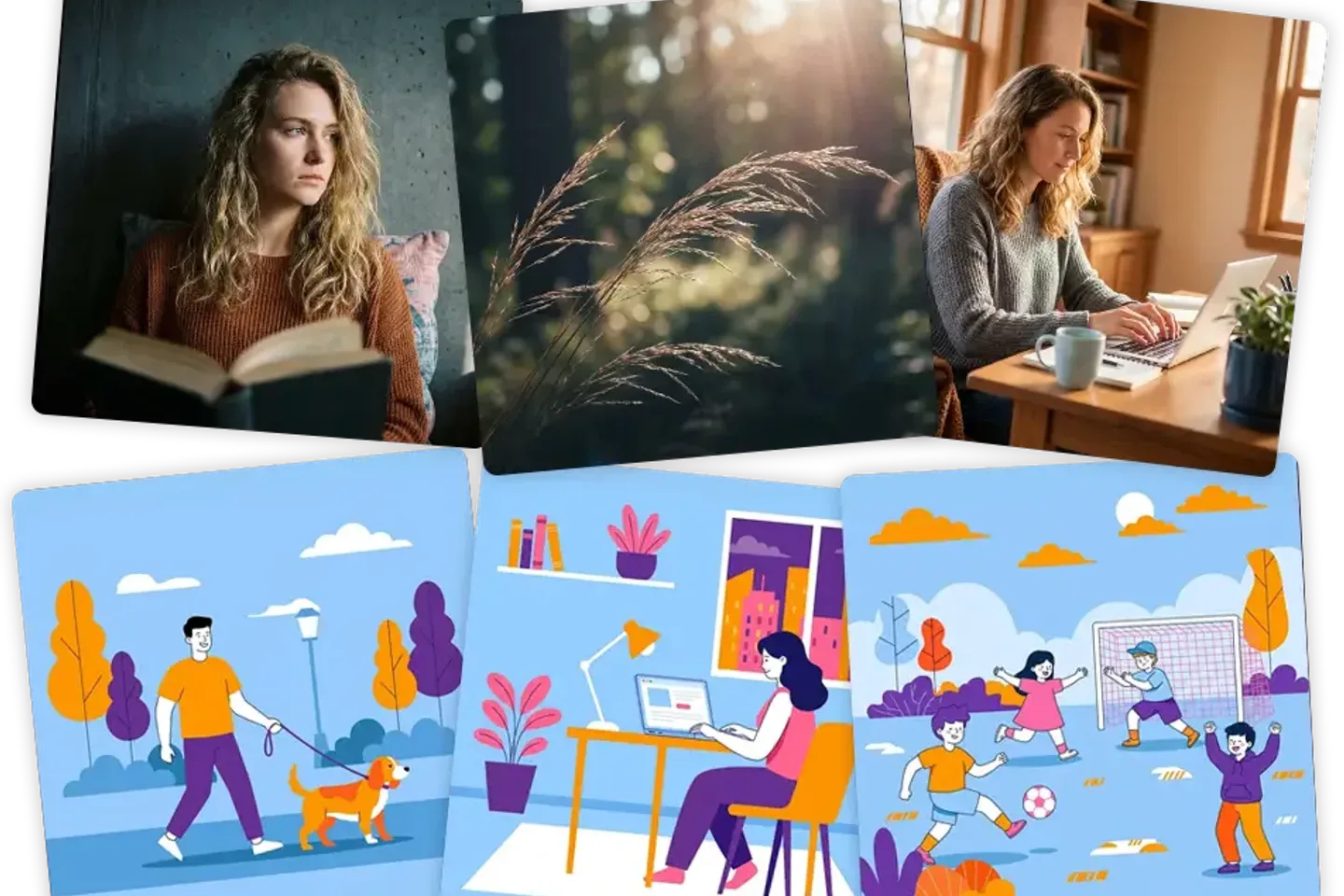
Train AI models
How to train AI on your brand guidelines: what to prepare
To train AI on your brand guidelines, first decide what the model should learn: a style, a product, a person or a scene. Then pick reference images that show only that one thing, consistently and in good quality. In Samsa, one image is enough to start and 2–5 give the best results. Training is free and unlimited on every plan. You need the rights to every image you upload.
# Guides
> Practical guides from Samsa's founder on AI images and video for brand and marketing teams: how it works, what it costs and where it falls short.
Language: English · Machine index: [https://samsa.ai/llms.txt](/llms.txt)
---
Practical answers on AI images and video for brand and marketing teams, written by Samsa's founder Niklas Jung.
---
- [3D rendering cost: hire a studio or create it with AI?](https://samsa.ai/guides/3d-rendering-cost/) — 2026-09-30 · 14 min read. 3D rendering cost in Switzerland: CHF 600–1,500 per image from a studio, days to four weeks of delivery. When to commission, when AI is enough.
- [How to create on-brand AI images: prompt, reference image or your own model](https://samsa.ai/guides/on-brand-ai-images-three-approaches/) — 2026-09-30 · 15 min read. How to create on-brand AI images with a prompt, a reference image or your own trained model: what each keeps consistent, and when training is overkill.
- [What is a packshot? Requirements, formats and how to create one](https://samsa.ai/guides/packshot/) — 2026-09-30 · 13 min read. What a packshot is, what Amazon, Google Shopping, Zalando and Galaxus require, and when a studio shoot, a CAD render or an AI model is the better route.
- [How to train AI on your brand guidelines: what to prepare](https://samsa.ai/guides/train-ai-on-brand-guidelines/) — 2026-09-30 · 14 min read. To train AI on brand guidelines, prepare the right images for a style, product, person or scene model: how many, what to avoid, which rights.